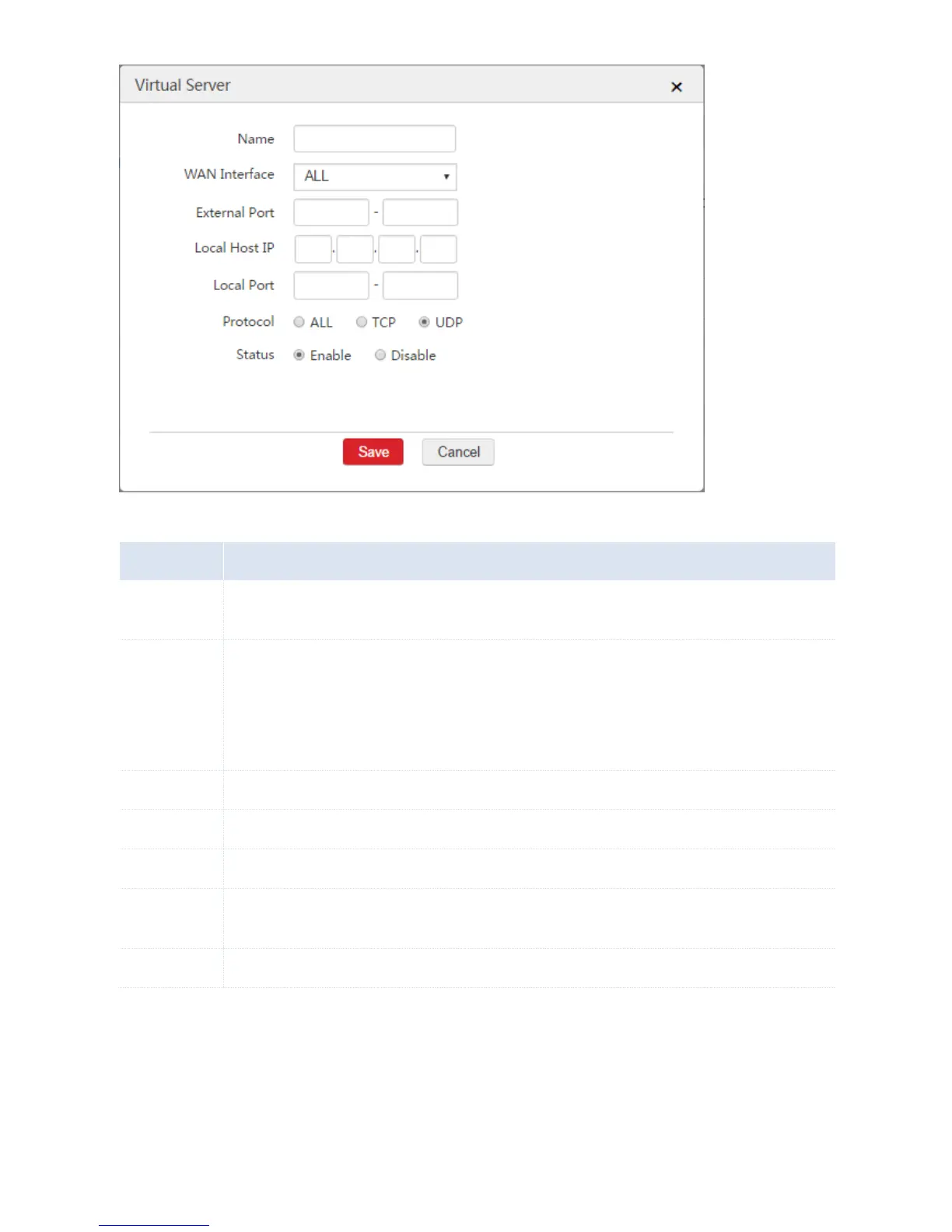
The description of the configure virtual server rule. Note: Duplicated names of virtual server rules are
not allowed.
The WAN interface that internet users need to use to access the local server on the LAN. A server in
this context means a software program installed on a computer, such as a FTP server and a web
server.
ALL: It includes all WAN interfaces of the AC. In this circumstance, internet users can access the
available local server using any WAN interface.
The port that internet users need to use to access the local server on the LAN.
The IP address of the local host that installs a server.
The enabled port of the local server.
The protocol that the local server uses. ALL: It includes TCP and UDP. If you are uncertain about the
protocol, choose "ALL".
Enable or disable the configured rule.
End: When you add a virtual server rule successfully, you can choose Network Setting > Network
Setting > NAT Rule > Virtual Server to view the rule. See the following figure.



 To Next Page