41
1.4.3 Example of NAT-related Rule
Example of NAT Rule
Networking Requirement
When you add WAN interfaces and configure Internet Settings correctly, all computers connected to the
VLAN interfaces of the AC can access the internet through the WAN interfaces of the AC. Assume that
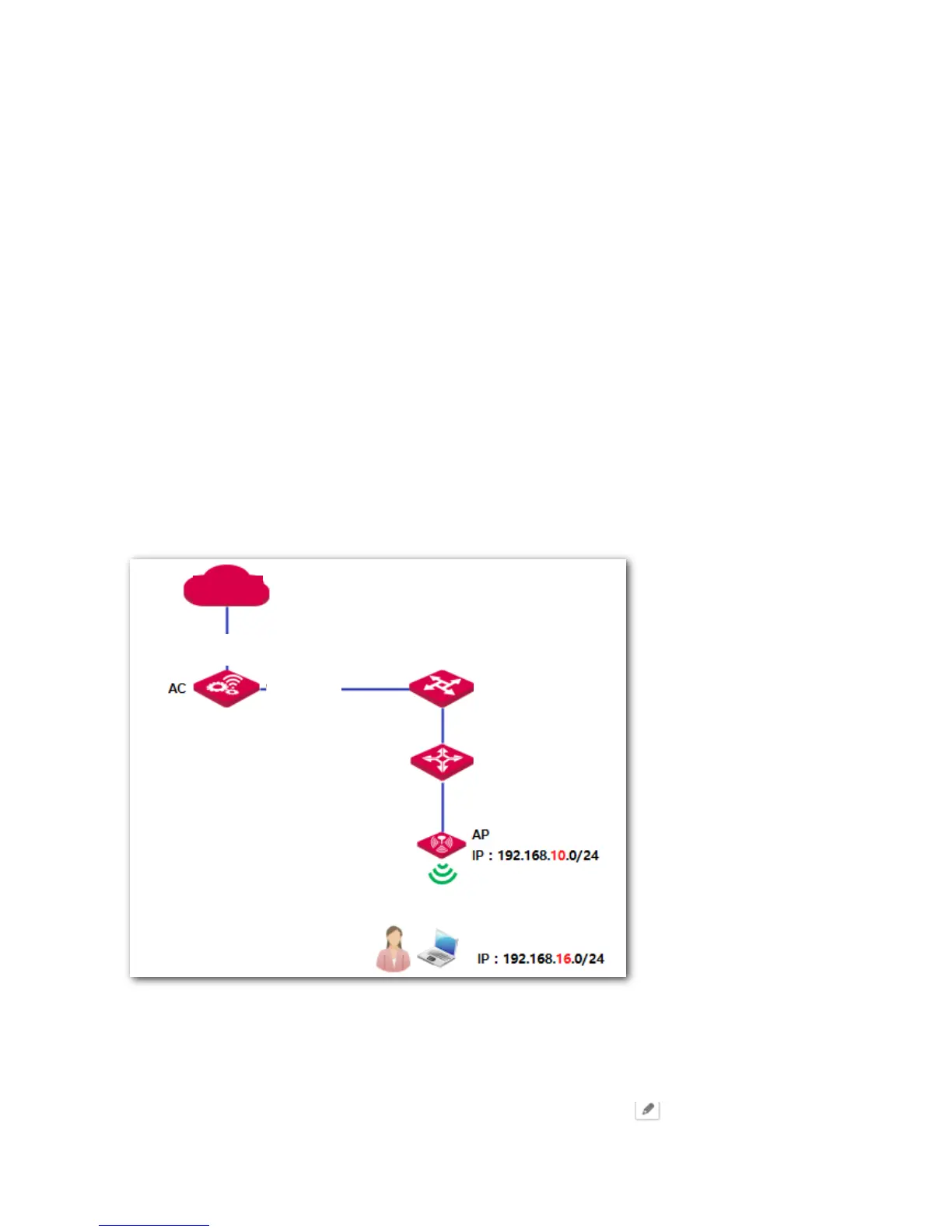
two network segments exist in the VLAN interface "default":
192.168.10.0/24 is used by APs.
192.168.16.0/24 is used by users.
Requirement: Users on the network segment 192.168.16.0/24 can access the internet through the AC.
APs on the network segment 192.168.10.0/24 cannot access the internet through the AC.
Network Topology
Procedure
1. Log in to the web UI of the AC and go to Network Setting > Network Setting > NAT Rule.
2. On the "NAT Rule" section, find the default rule "[def_default]" and click on the "Action" column.



 To Next Page