42
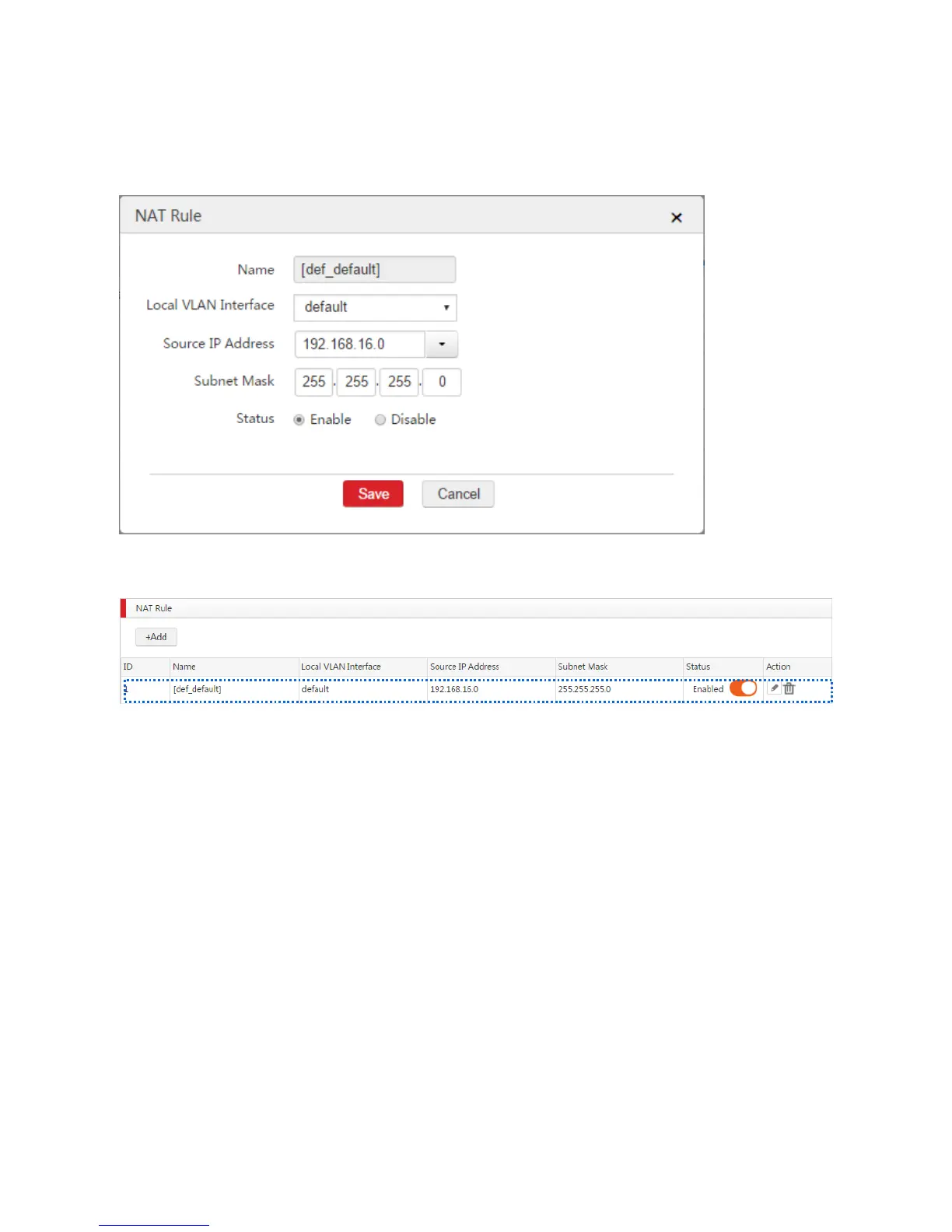
3. Modify the parameters as follows.
Source IP Address: Select Manually and enter 192.168.16.0.
Subnet Mask: Enter 255.255.255.0.
4. Click Save.
End: See the following figure.
Verification
Set your computer to the network segment of 192.168.10.0/24 and verify that you cannot access the
internet.
Then use your computer to automatically obtain IP address. Verify that your computer is on the network
segment of 192.168.16.0/24 and you can access the internet.



 To Next Page