43
Example of Virtual Server
Networking Requirement
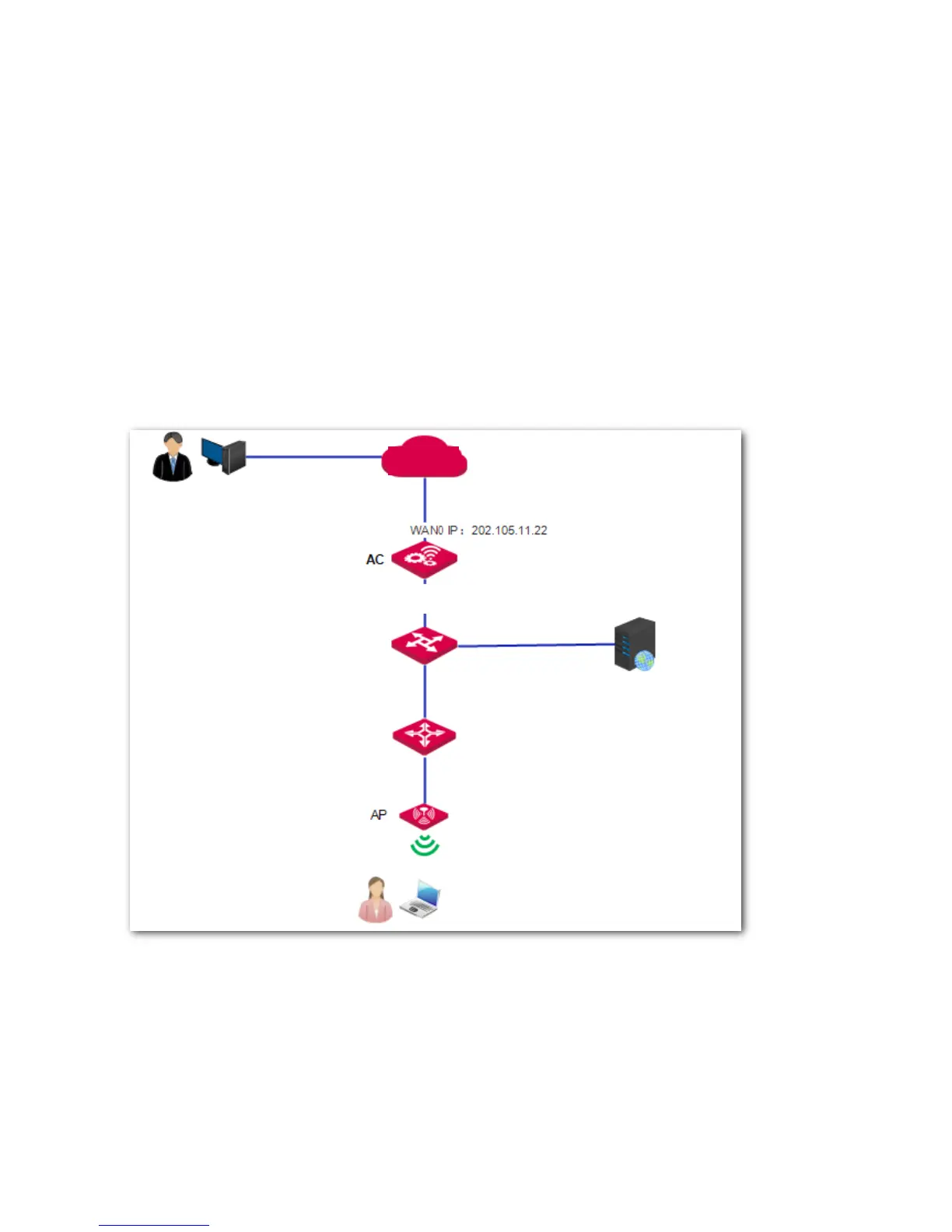
A hotel has established a network using AC3000. The AC is connected to the internet and provides
internet access for local users. The hotel has a local web server which needs to be accessed by internet
users, especially the hotel employees on a business trip.
To meet the requirements, you can use the virtual server function of the AC. Assume that the port
enabled for internet users to access the web server is 80. Other assumptions are shown on the following
network topology.
Network Topology
Procedure
1. Log in to the AC's web UI and go to Network Setting > Network Setting > NAT Rule.
2. On the "Virtual Server" section, click Add.
3. Configure the parameters as follows.



 To Next Page