7
3. Modify the parameters except Interface Name as required.
4. Click Save.
Deleting an Interface
When you delete an interface, all configurations of the interface are deleted, such as Interface and DHCP
Server, Internet Settings, and NAT Rule.
The default VLAN interface cannot be deleted.
Procedure:
1. Choose Network Setting > Network Setting > Interface Settings.
2. Click corresponding to the interface.
1.1.3 Example of VLAN Interface Application
Networking Requirement
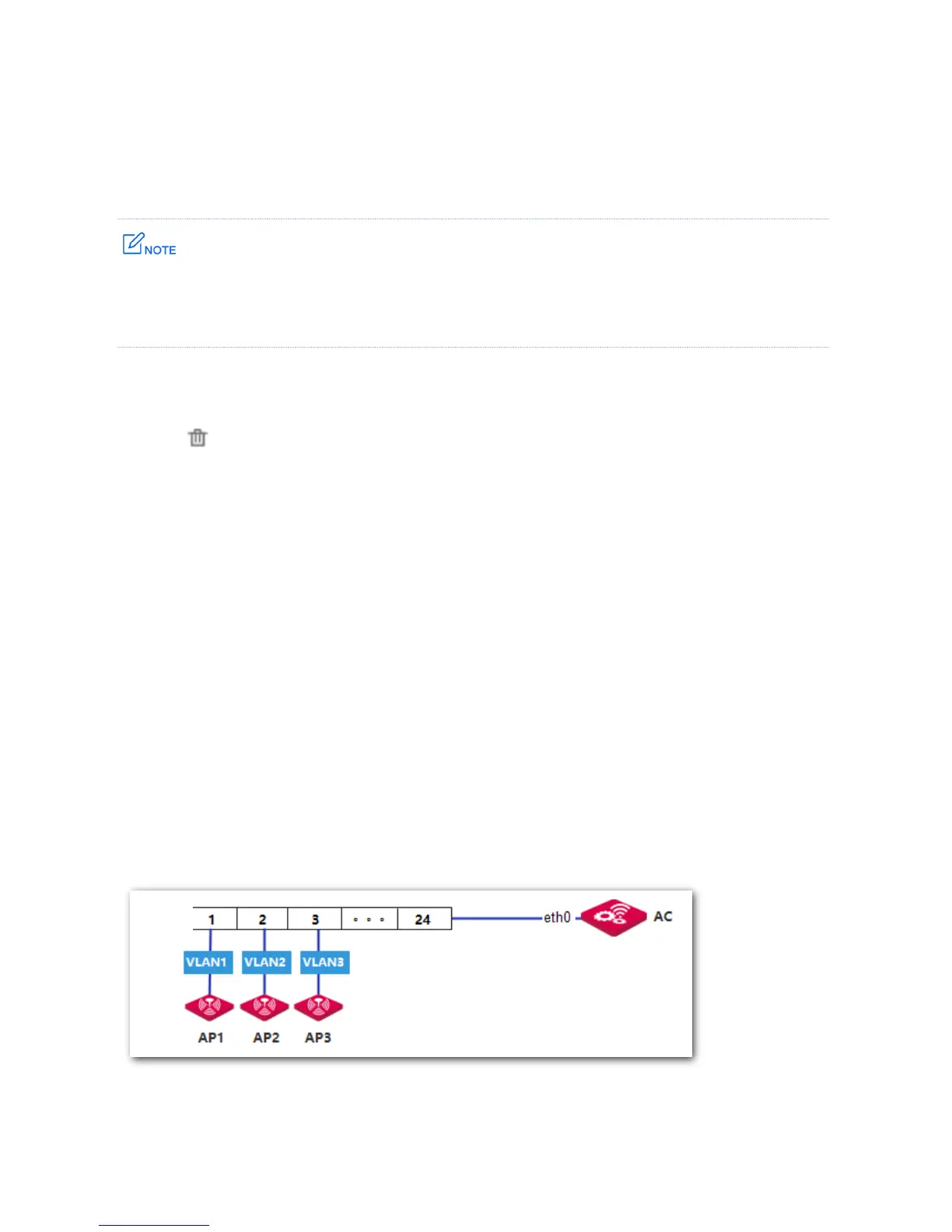
You need the AC to manage three APs on three different VLANs.
Assumption:
All the APs are restored to the factory settings.
All the APs are connected to access ports of the switch, as shown in the following network
topology.
Network Topology



 To Next Page