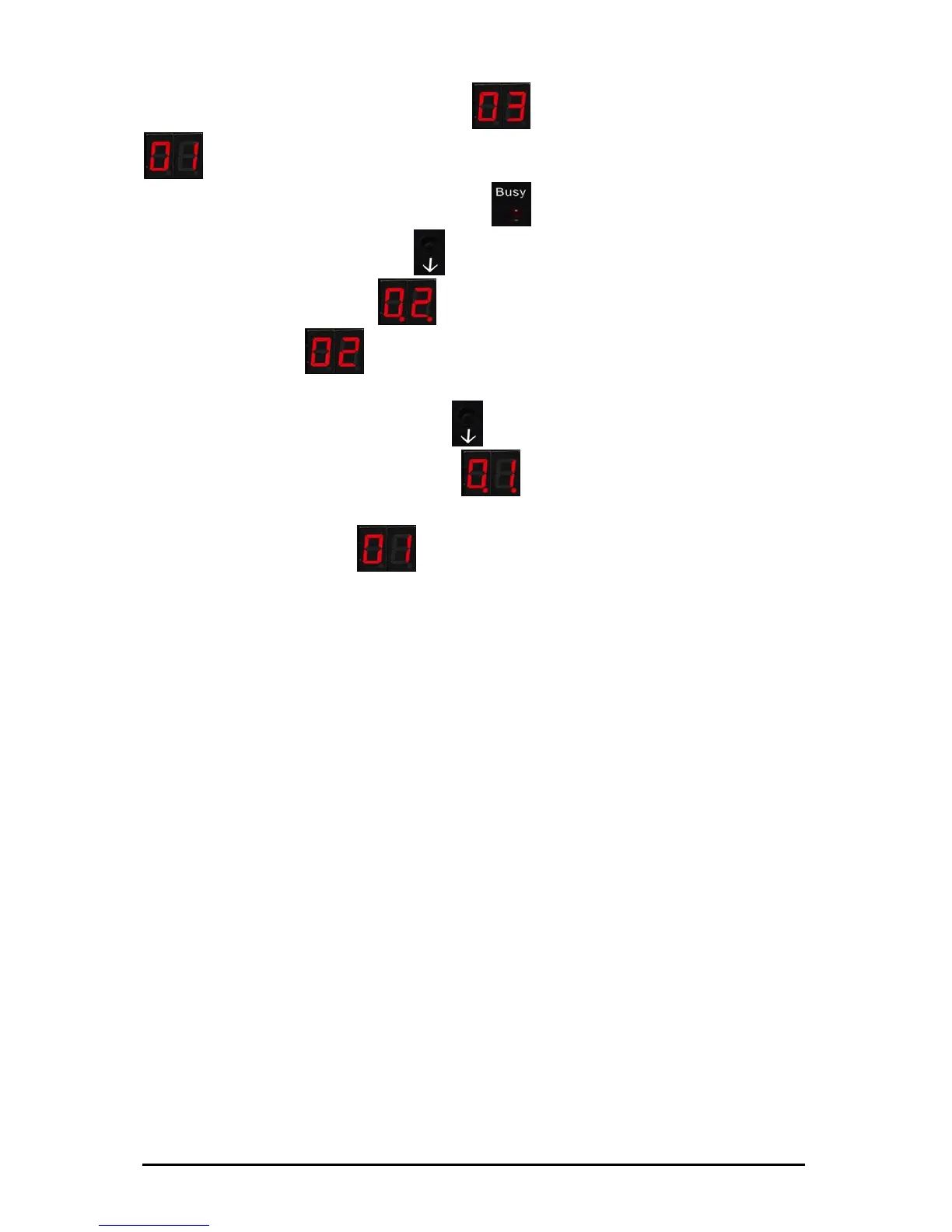
Starting point: The display shows , and you want to select
.
1. Make sure the Busy LED (red)
is not on
2. Press selection button (¶)
3.
The display shows (02) (After a while the dots
disappear:
. You do not have to wait, and can continue
to switch.)
4.
Press the selection button (¶) again
5.
In the display you now see (0.1.)
6.
Wait until the dots after the 0 and after the 1 disappear. As
soon as you see
(01 without dots) in the display, you
may use Virtual Floppy01.
Note: Once you have selected the desired floppy, you should
always wait until the dots next to the digits in the display
disappear. These indicate that the selected floppy is still being
initialized. If you start writing on the floppy during the
initialization phase, you may incur faults or data loss.
Subject to change without prior notice Date: 09-03-10
ipcas GmbH USB Floppy Disk Emulator – USB Floppy v0.2 Page 11 of 17


 To Next Page