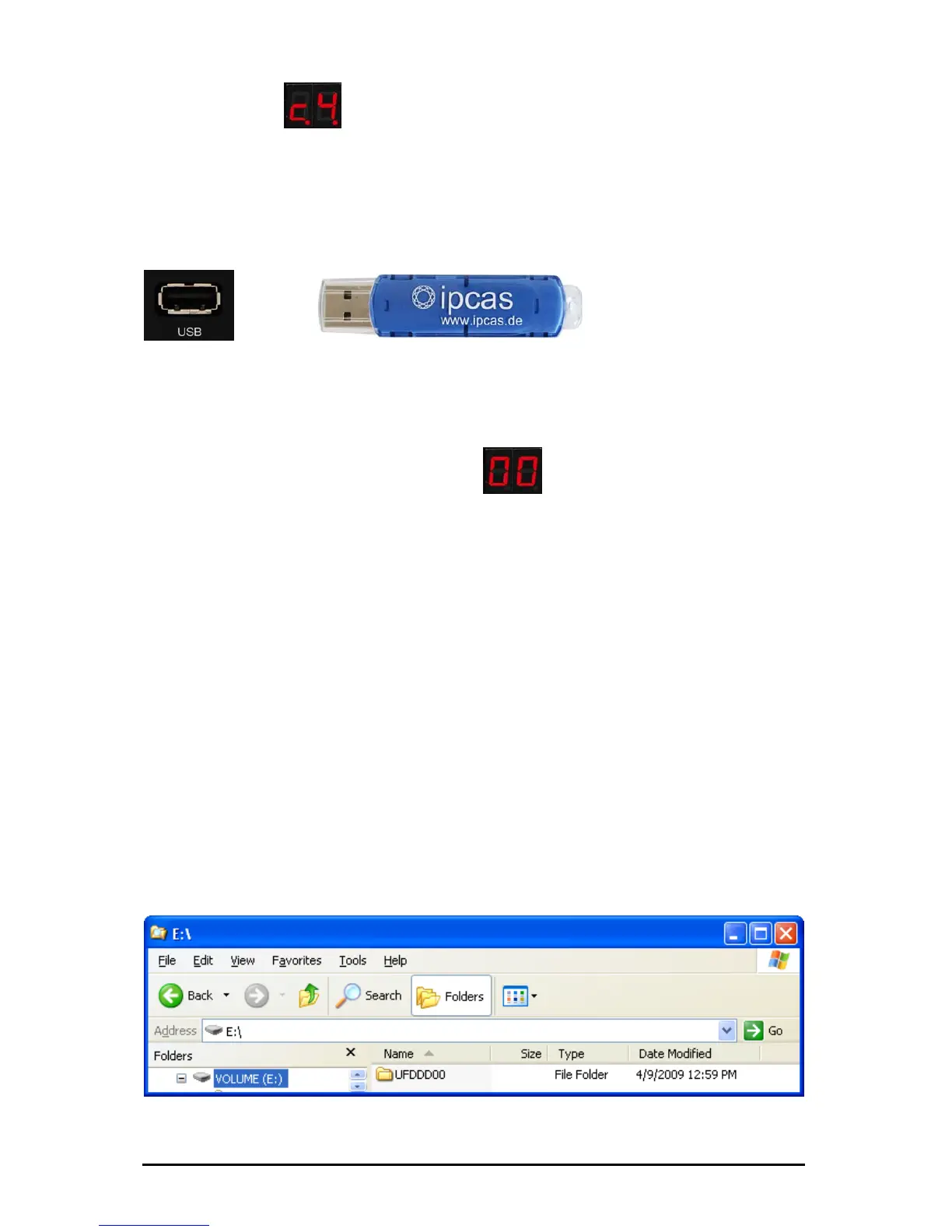
The display of (c4) indicates that the disk drive is ready and
is waiting for the USB Stick to be connected.
The power LED is always on when the disk drive is supplied with
sufficient voltage.
Insert a customary USB Stick into the USB socket of the disk drive.
Í
After connecting it the disk drive searches for the already available
virtual floppies. This is indicated by the fast succession of the
numbers 00 to 99 in the display. If no virtual floppies are found on
the USB Stick, the display stops at
(00). 00 is the first floppy
and has already been created automatically.
The disk drive can be used immediately. You may use the USB Stick
in the same way as you used your floppy.
A directory with the name UFDDD00 has been created on the USB
Stick. Do not delete this directory, since it displays you virtual
floppy 00.
8. Data import and use on the machine/system
Connect a USB Stick into a USB connection of your computer or PC.
Should the USB Stick already have been used once in the USB
Floppy Disk Emulator, you will find a directory UFDDD00 on the
USB
Stick.
Copy the desired data into the directory.
Subject to change without prior notice Date: 09-03-10
ipcas GmbH USB Floppy Disk Emulator – USB Floppy v0.2 Page 8 of 17


 To Next Page