Ô
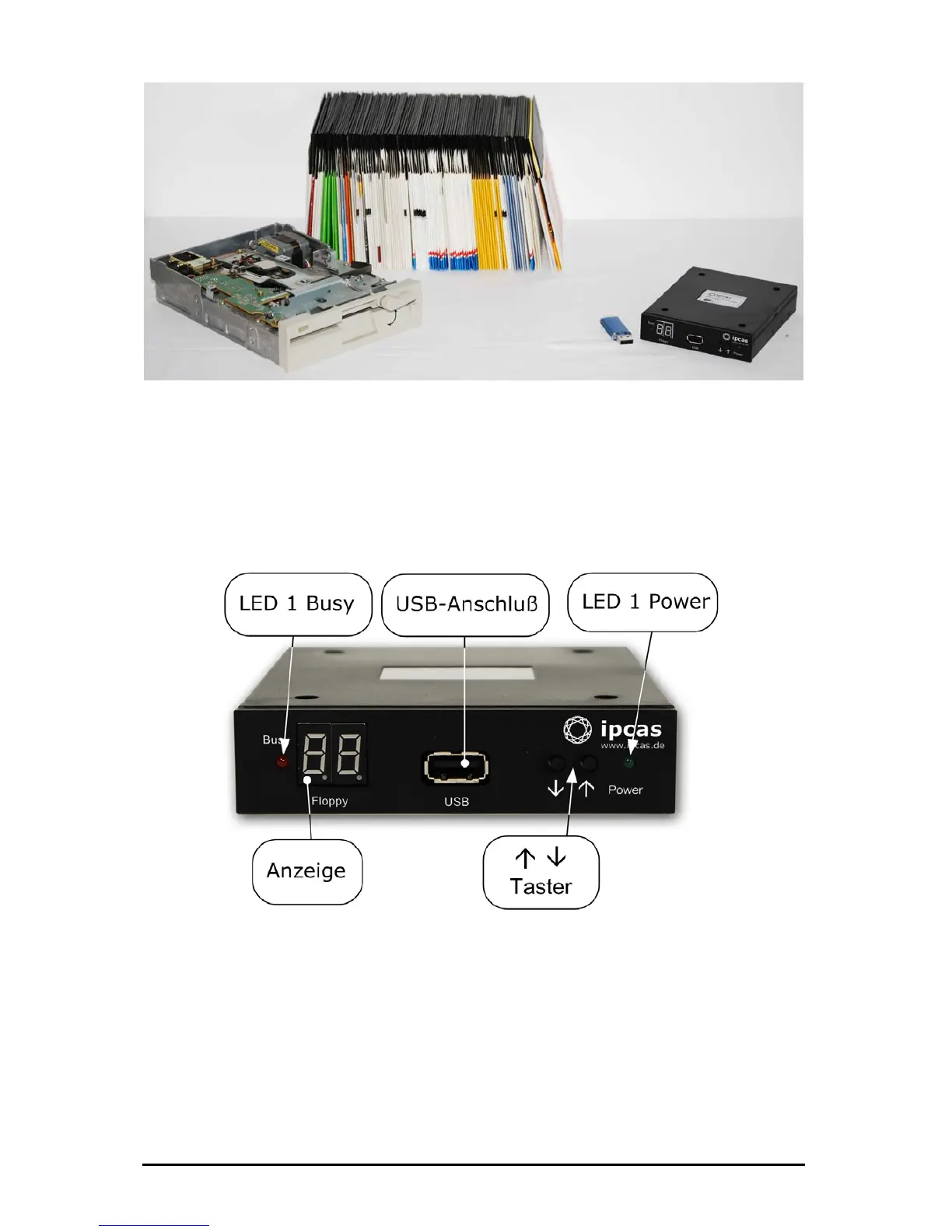
A 5¼ inch installation frame for 3.5 inch disk drives and a 34-pin adapter are optionally
available.
4. Front panel – description, connections
LED 1 – Busy (red): lights up when system is reading or writing.
LED 2 - Power (green): lights up when the voltage supply is connected.
Display (2 digits): displays the status of the disk drive or the currently
selected floppy (00 to 99).
USB: USB socket (USB type A) to connect a USB Stick (the data carrier
replacing the floppy disk).
Subject to change without prior notice Date: 09-03-10
ipcas GmbH USB Floppy Disk Emulator – USB Floppy v0.2 Page 5 of 17


 To Next Page