iPECS eMG80
System DECT Installation Guide Issue 1.3
32
4.3 Authentication Code for DECT Subscription
When a user subscribes to iPECS eMG80 DECT, entry of the DECT Authentication code is
required. The Authentication Code entered by the User is compared to the code in the system
to verify the User subscription.
To view or enter the Authentication code from the Attendant, perform the following procedure:
1. Press the [PGM] button.
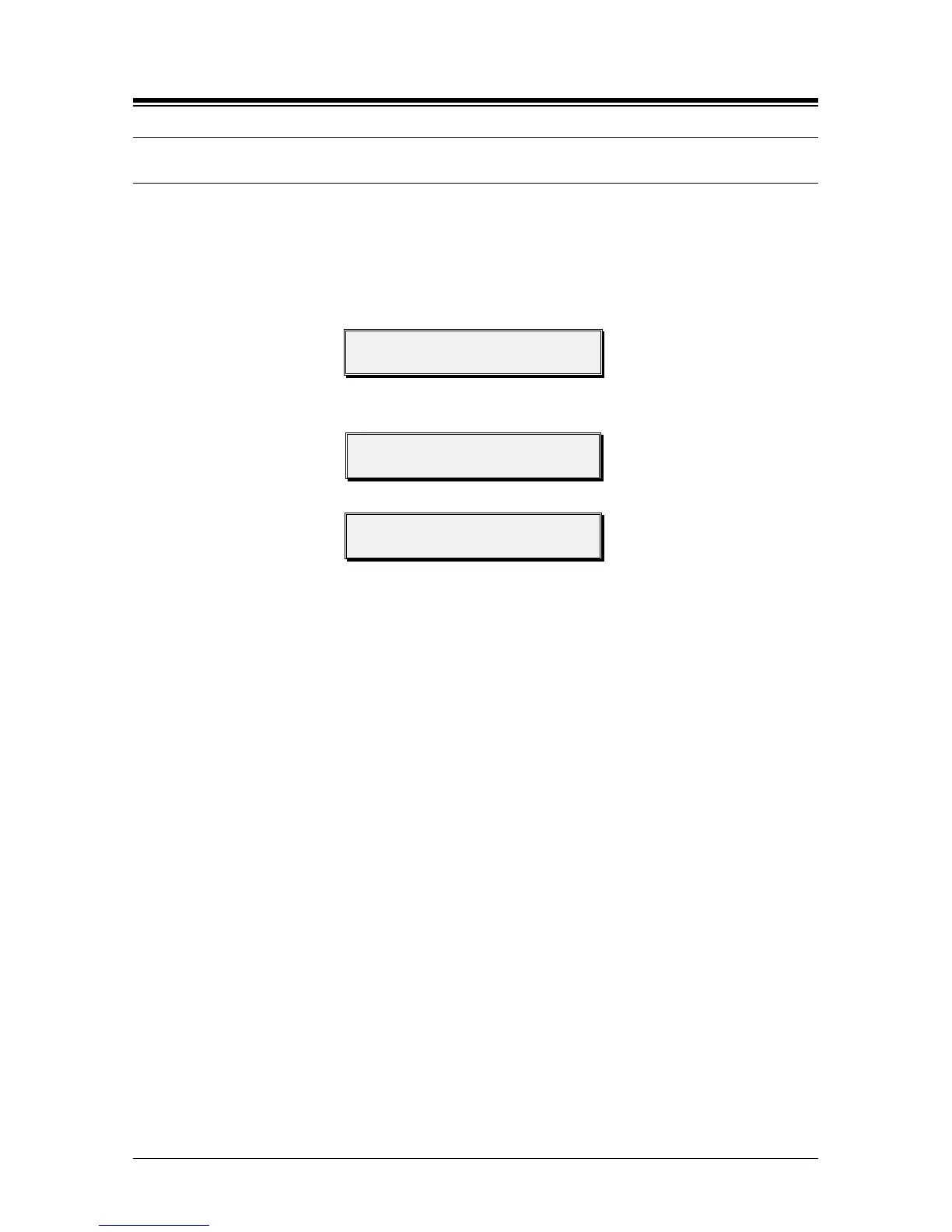
STATION 100 (T)
04 SEP 01 02:49 PM
2. Dial 0 and #.
3. Press Flex button 3.
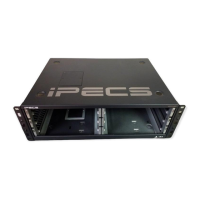
WTU (UN)SUBSCRIBE
PRESS FLEX BUTTON
4. Enter the new Authentication Code (up to 8 digits).
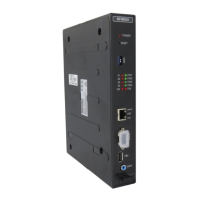
AC CODE: XXXXXXXX
ENTER DGT & HOLD BTN
5. Press [HOLD/SAVE] button and await confirmation tone.
6. Press Speaker to return to idle.
NOTE
The Authentication Code must be assigned before a user can subscribe for services.
Changing the Authentication Code after handsets have registered will cause
improper operation, handsets may display erratic operation and may not be able to
subscribe or de-subscribe. If the Authentication Code must be changed, first un-
subscribe all handsets, see section 4.7.
If the system Id is changed, the Authentication Code must be reassigned.


 To Next Page