C
HAPTER
4
| Basic Management Tasks
Setting the System Clock
– 114 –
■
Hours (0-13) – The number of hours before/after UTC. The
maximum value before UTC is 12. The maximum value after UTC is
13.
■
Minutes (0-59) – The number of minutes before/after UTC.
WEB INTERFACE
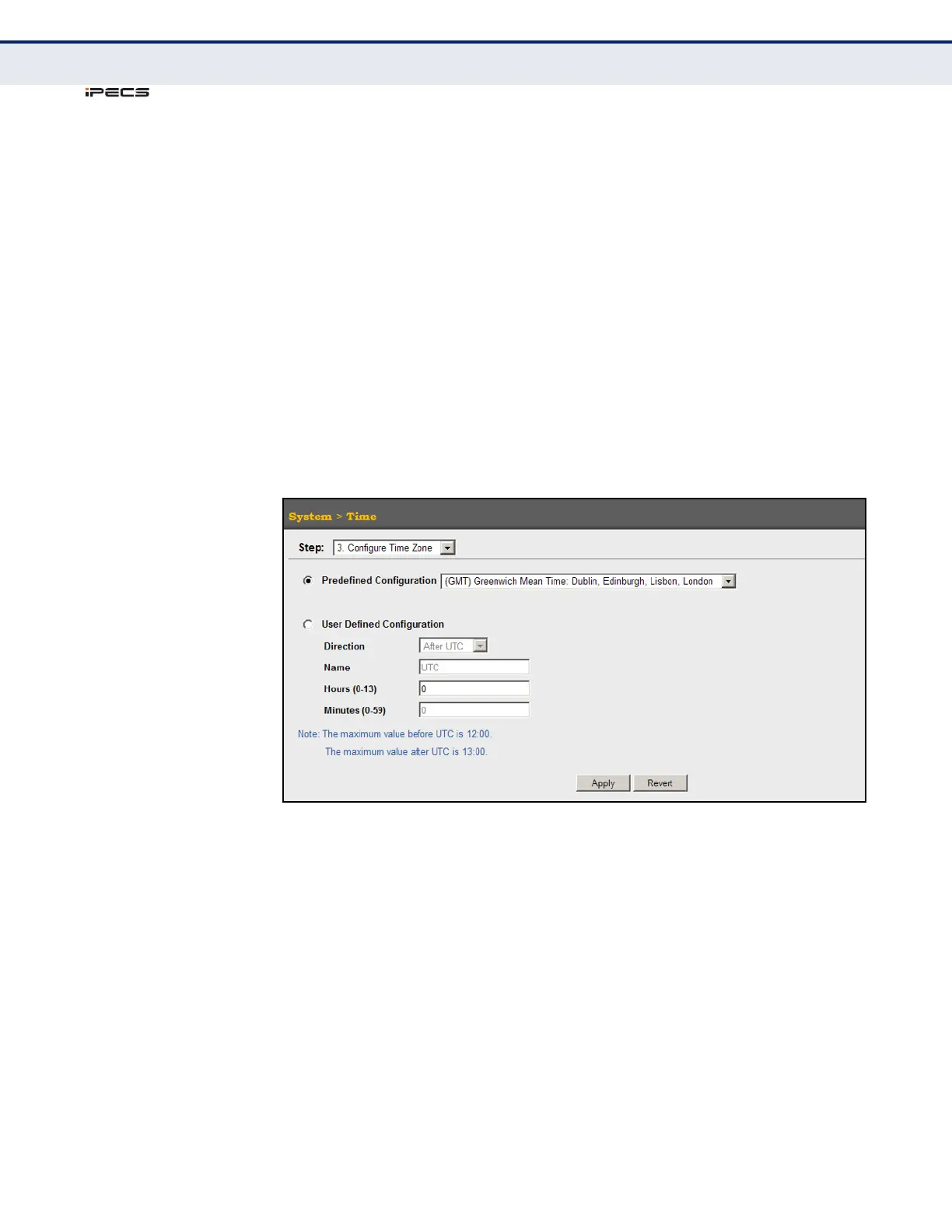
To set your local time zone:
1. Click System, then Time.
2. Select Configure Time Zone from the Action list.
3. Set the offset for your time zone relative to the UTC in hours and
minutes using either a predefined or custom definition.
4. Click Apply.
Figure 16: Setting the Time Zone
CONFIGURING
SUMMER TIME
Use the System > Time (Configure Summer Time) menu to configures
summer time (that is, Daylight Savings Time) for the switch’s internal
clock.
CLI REFERENCES
◆ "clock summer-time" on page 579
USAGE GUIDELINES
◆ In some countries or regions, clocks are adjusted through the summer
months so that afternoons have more daylight and mornings have less.
This is known as Summer Time, or Daylight Savings Time (DST).
Typically, clocks are adjusted forward one hour at the start of spring
and then adjusted backward in autumn.



 To Next Page