C
HAPTER
7
| Address Table Settings
Configuring MAC Address Mirroring
– 202 –
WEB INTERFACE
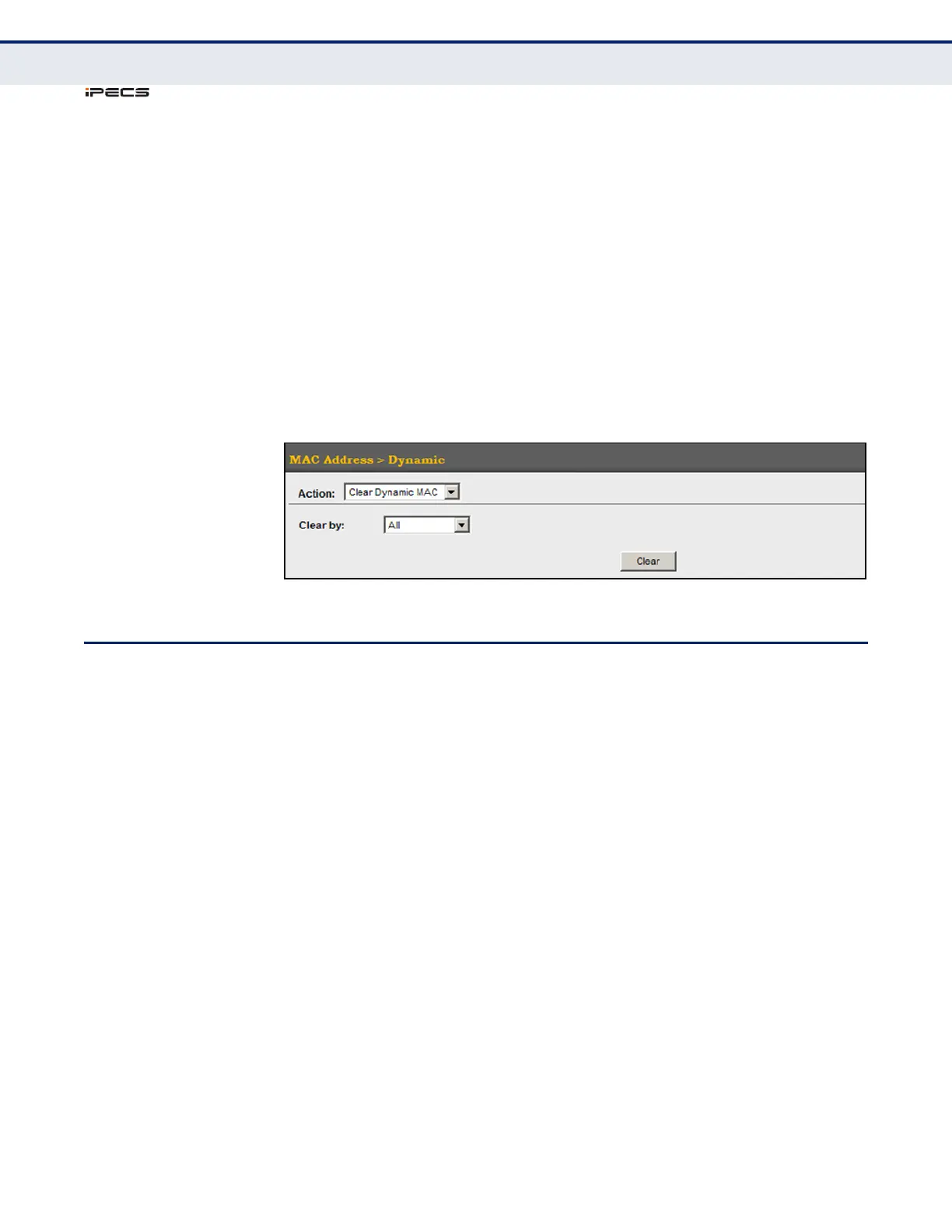
To clear the entries in the dynamic address table:
1. Click MAC Address, Dynamic.
2. Select Clear Dynamic MAC from the Action list.
3. Select the method by which to clear the entries (i.e., All, MAC Address,
VLAN, or Interface).
4. Enter information in the additional fields required for clearing entries by
MAC Address, VLAN, or Interface.
5. Click Clear.
Figure 88: Clearing Entries in the Dynamic MAC Address Table
CONFIGURING MAC ADDRESS MIRRORING
Use the MAC Address > Mirror (Add) page to mirror traffic matching a
specified source address from any port on the switch to a target port for
real-time analysis. You can then attach a logic analyzer or RMON probe to
the target port and study the traffic crossing the source port in a
completely unobtrusive manner.
CLI REFERENCES
◆ "Local Port Mirroring Commands" on page 785
COMMAND USAGE
◆ When mirroring traffic from a MAC address, ingress traffic with the
specified source address entering any port in the switch, other than the
target port, will be mirrored to the destination port.
◆ All mirror sessions must share the same destination port.
◆ Spanning Tree BPDU packets are not mirrored to the target port.
◆ When mirroring port traffic, the target port must be included in the
same VLAN as the source port when using MSTP (see "Spanning Tree
Algorithm" on page 205).
◆ When mirroring VLAN traffic (see "Configuring VLAN Mirroring" on
page 195) or packets based on a source MAC address, the target port



 To Next Page