C
HAPTER
12
| VoIP Traffic Configuration
Configuring Telephony OUI
– 274 –
FF-FF-FF-FF-FF-FF specifies a single MAC address.
(Default: FF-FF-FF-00-00-00)
◆ Description – User-defined text that identifies the VoIP devices.
WEB INTERFACE
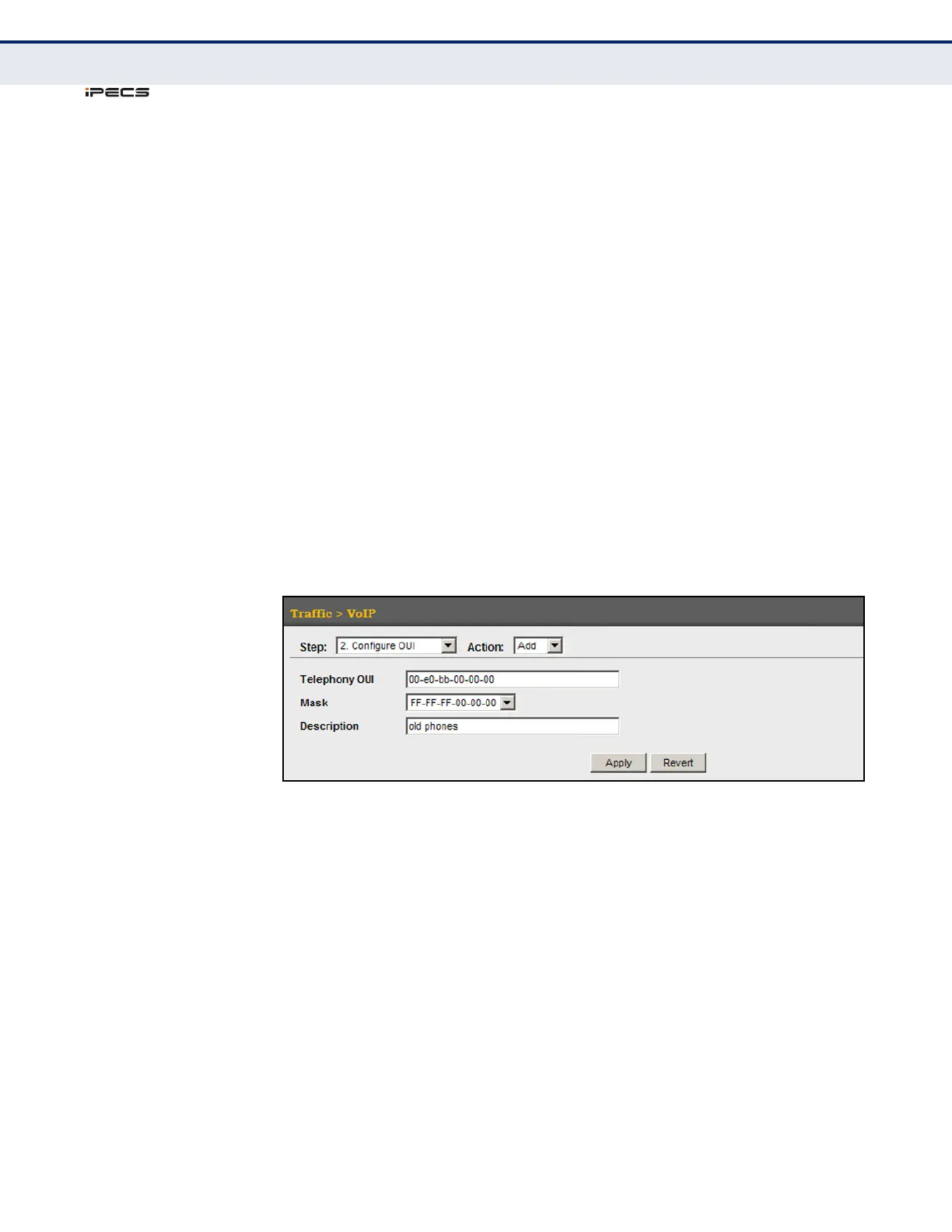
To configure MAC OUI numbers for VoIP equipment:
1. Click Traffic, VoIP.
2. Select Configure OUI from the Step list.
3. Select Add from the Action list.
4. Enter a MAC address that specifies the OUI for VoIP devices in the
network.
5. Select a mask from the pull-down list to define a MAC address range.
6. Enter a description for the devices.
7. Click Apply.
Figure 135: Configuring an OUI Telephony List



 To Next Page