WIT-400HE Installation Manual
Date: 15/M ar/2012
This Document Contains proprietary information and may not be reproduced or copied without express
Written permission of a duly authorized representative of Ericsson-LG Co.Ltd.
15
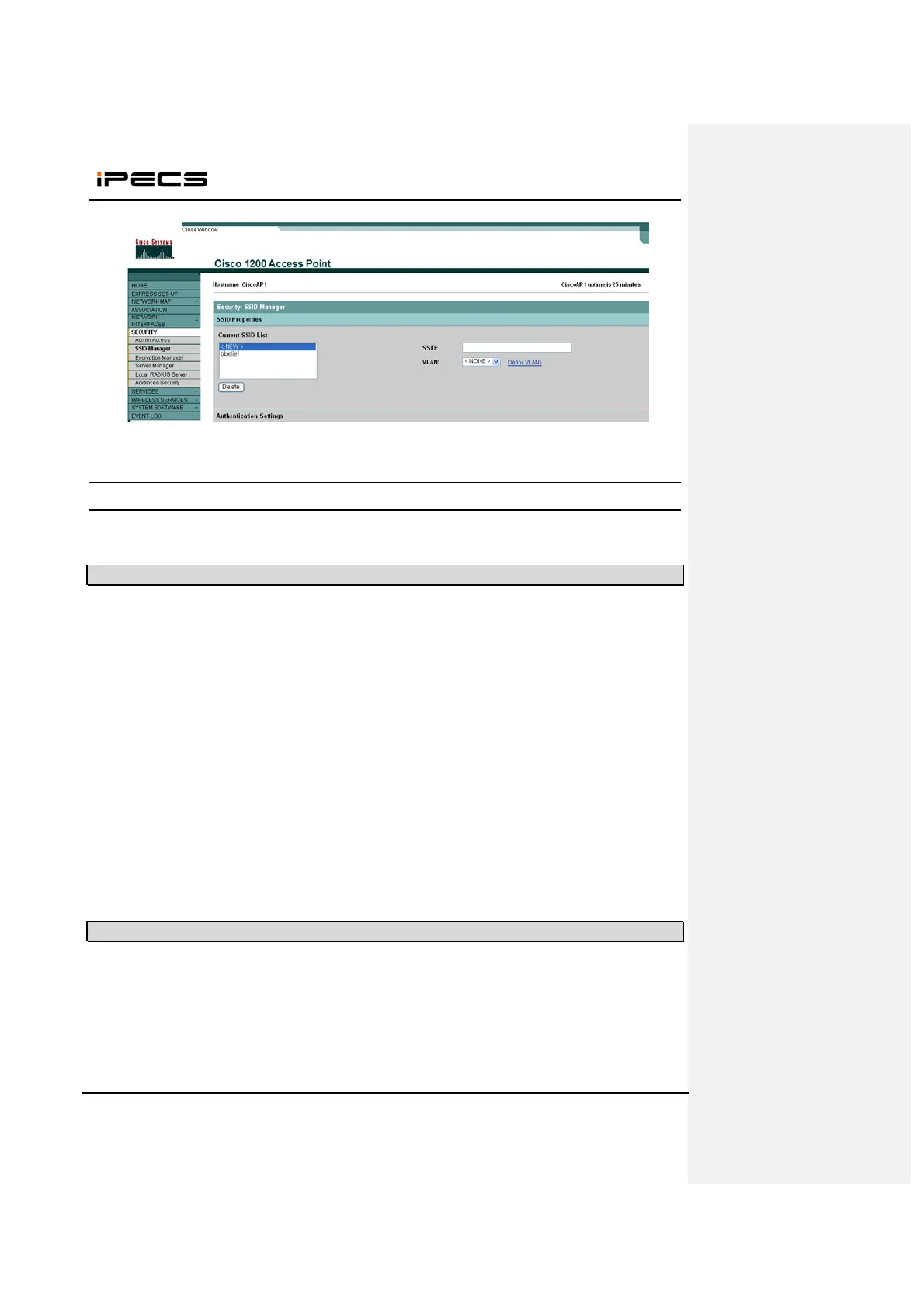
(3) Open a page “Security > SSID Manager” . You can see a edit box “SSID”.
(4) Enter your SSID.
3. S/W Upgrade
WIT-400HE can be upgraded via USB or WLAN.
3.1 Network configuration for upgrade
3.2 WEB Server Settings
1. Create “C:\WIT400H” directory and copy HTTP File Server (hts.exe) to the directory
2. Run hfs.exe
3. Add file to upgrade
1. Connect PC LAN port to the network.
2. Connect WIT-400HE to wireless network.



 To Next Page