WIT-400HE Installation Manual
Date: 15/M ar/2012
This Document Contains proprietary information and may not be reproduced or copied without express
Written permission of a duly authorized representative of Ericsson-LG Co.Ltd.
16
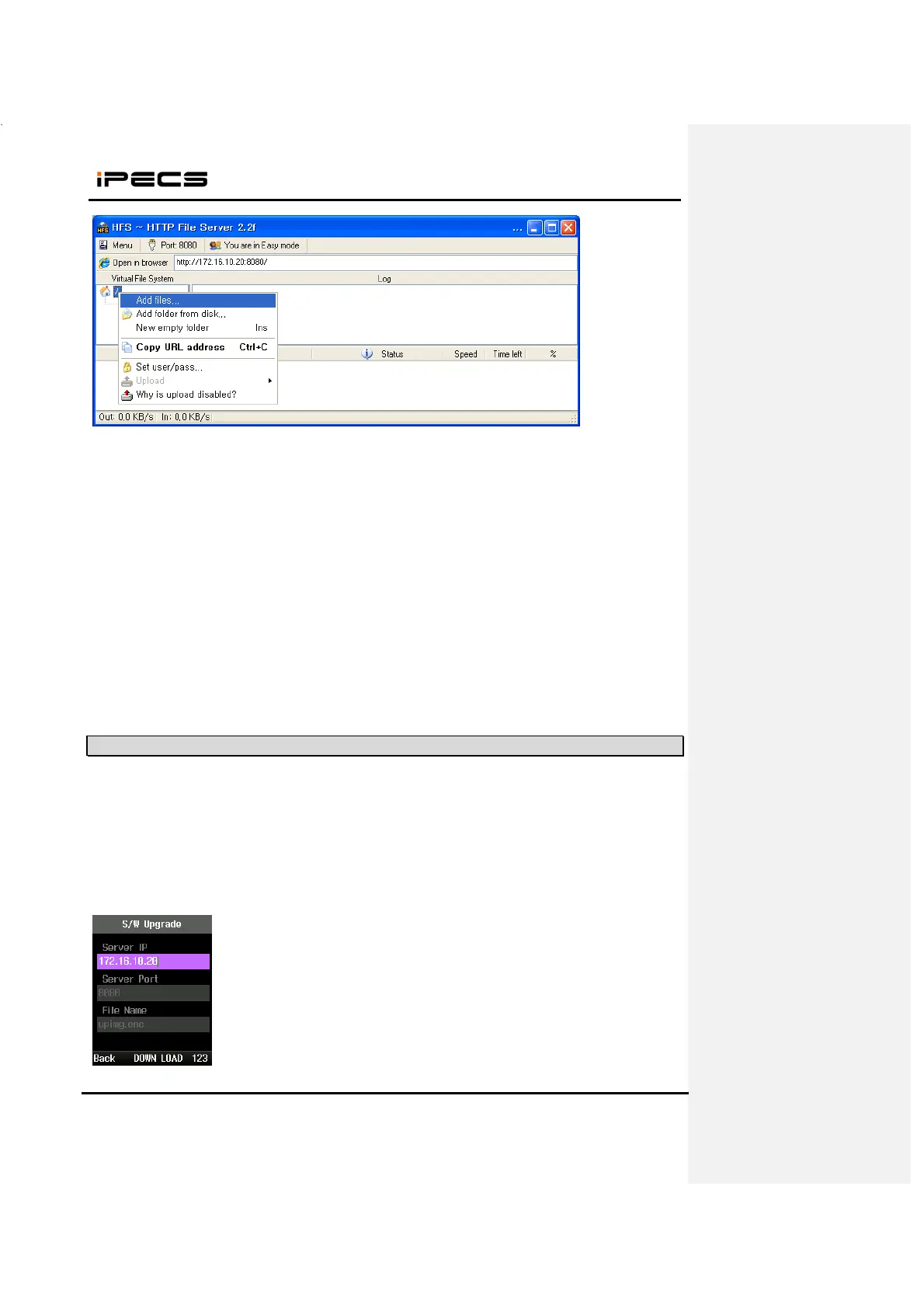
4. New image file is added
3.3 Starting Upgrade
1. When WIT-400HE is boot up completely, connect USB cable or WLAN network.
2. Press “*1475963#” + “Send” button.
3. Select “3. S/W Upgrade” and set the server IP, port and file name.
Server Port #
S/W image file



 To Next Page