WIT-400HE Installation Manual
Date: 15/M ar/2012
This Document Contains proprietary information and may not be reproduced or copied without express
Written permission of a duly authorized representative of Ericsson-LG Co.Ltd.
20
4. Debug Data Transfer and Diag Data Transfer
4.1 Debug Data Transfer
4.1.1 Check Debug Setting
1) Run windows “command prompt”
2) Move to the directory “c:\WIT-400H”, where “wit400trace.exe” exists.
- You can change to any other directory.
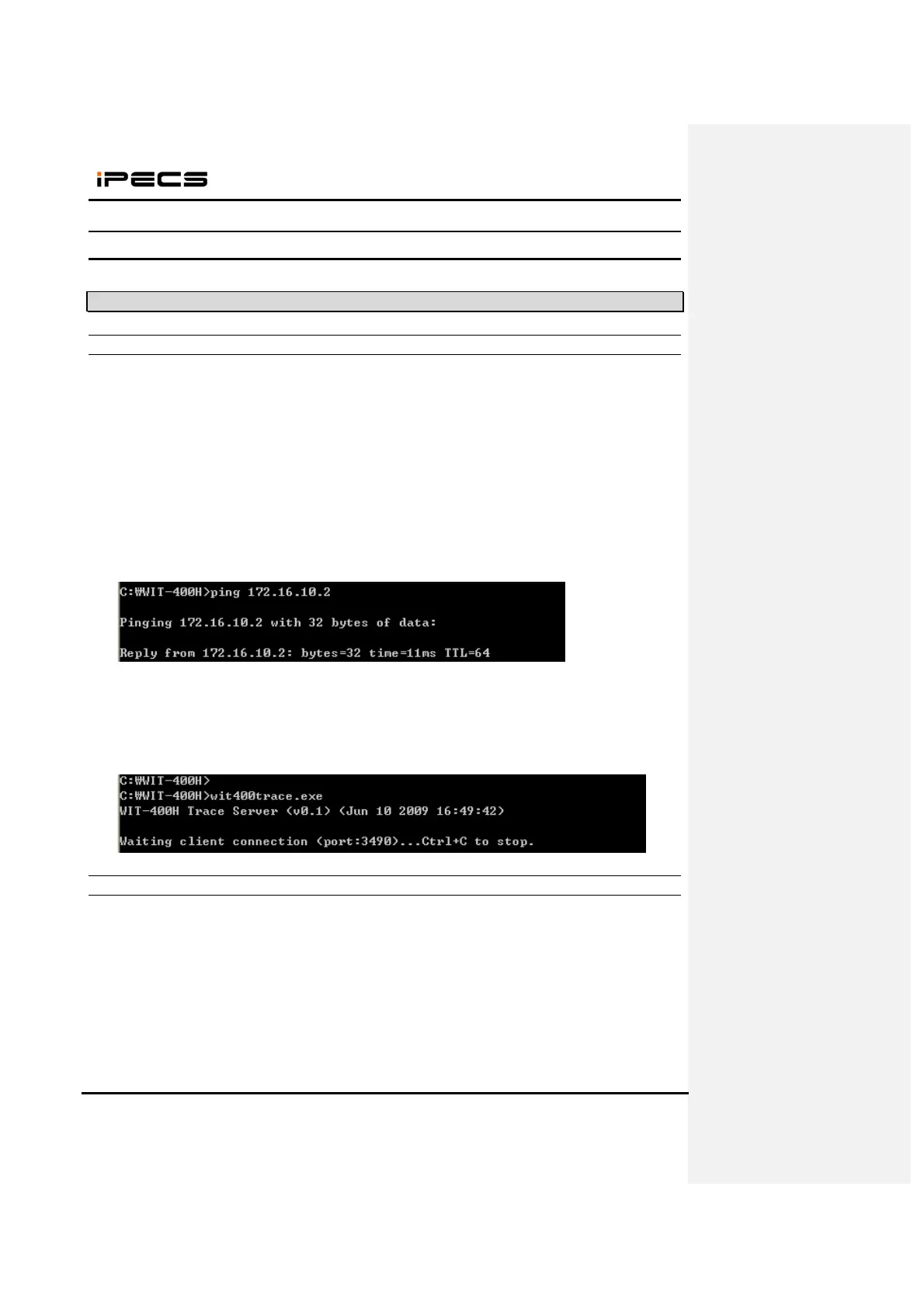
3) Try “ping” to the IP address of WIT-400HE.
- If replies, go to next step.
- If not, check the network configuration of PC and WIT-400HE.
4) Run “wit400trace.exe”
- If TCP port 3490 is not available, you can change as “wit400trace.exe [TCP port #]”.
Ex) wit400trace.exe 5000
4.1.2 Sending Debug Data from WIT-400HE
1) Press “*1478621#” + “Send” key
2) Set the level for debugging
- Block Name : each block name
- Mode On/Off: the debug type
- Debug Level : each debug level



 To Next Page