WIT-400HE Installation Manual
Date: 15/M ar/2012
This Document Contains proprietary information and may not be reproduced or copied without express
Written permission of a duly authorized representative of Ericsson-LG Co.Ltd.
17
1) Server IP: IP address of Web Server
2) Server Port: Web Server Port#
3) File Name: New S/W image of WIT-400HE
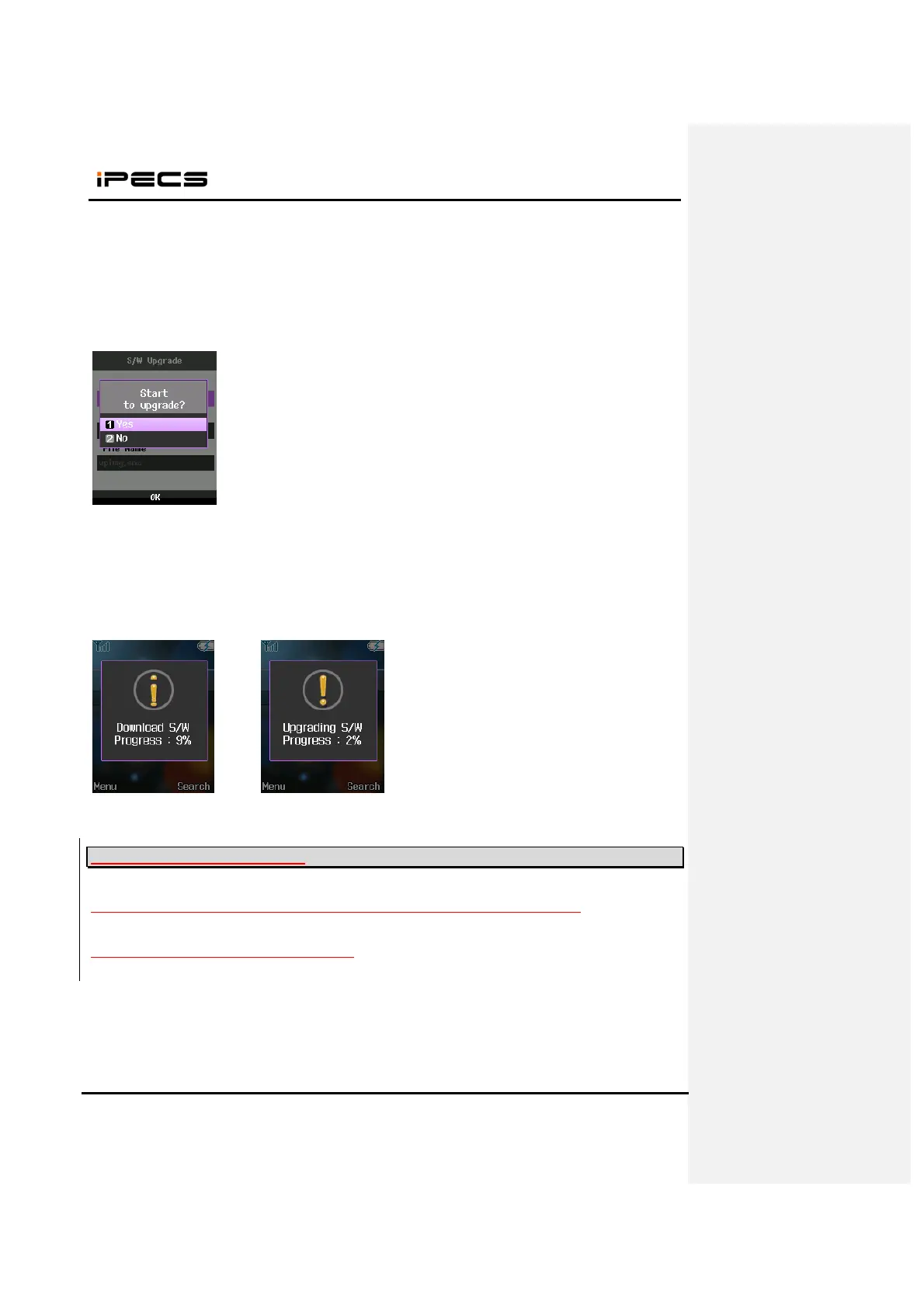
4. When you select “DOWN LOAD”, popup will be displayed. Press “YES” to start upgrade.
5. The process has three steps as follows.
1) 1
st
step : S/W download
2) 2
nd
step : apply new S/W to the flash
3) 3
rd
step : reboot after upgrade
<Download> <Upgrade>
3.4 S/W Upgrading via MFIM
WIT-400HE could be updated on MFIM web admin same as IP Phone upgrade process.
1. Open File Upload menu in MFIM web admin.



 To Next Page