A-7
Web User Utility
Configuring a LAN Connection for Ethernet
Accessing the Web User Utility
To access Web Utility:
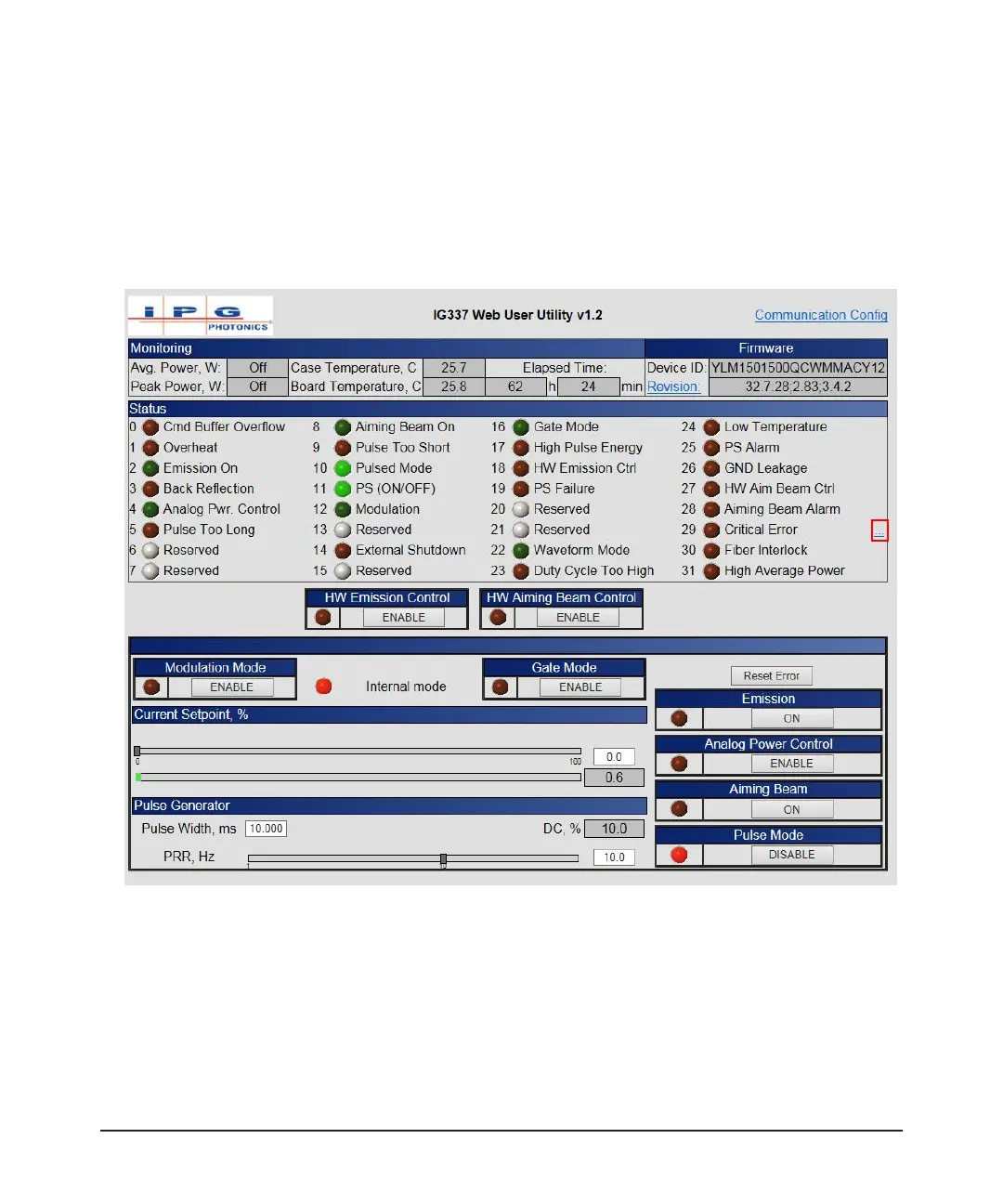
1. Enter the IP address of the laser in a web browser. The Web User utility appears.
Figure A-6. IG337 Web User Utility
The items (0 to 31) in the Status group are listed in Table 3-5 on page 3-8 (Bit
Meanings).
See Table 2-6 on page 2-19 for details on main control functions.
See Figure 2-13 on page 2-17 guidelines on setting the Pulse Generator.



 To Next Page