IQaudIO user instructions
Contents
1)
Overview
2)
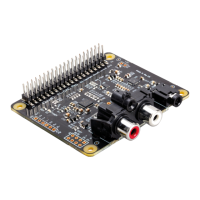
The Pi-DAC+
3)
The Pi-DigiAMP+
4)
The Pi-AMP+
5)
Connecting the Pi-DAC+ to your Raspberry Pi
6)
Connecting the Pi-DigiAMP+ to your Raspberry Pi
7)
Connecting the Pi-AMP+ to your Pi-DAC+
8)
Building the Raspberry Pi and IQaudIO sound cards into your Pi-CASE+
9)
Configuring Raspbian to include sound card support
10)
Checking audio is working through the IQaudIO sound card
11)
Advanced troubleshooting
12)
Controlling the Pi-AMP+ or Pi-DigiAMP+’s Mute / Un-mute
13)
Common Linux distribution configurations (and ALSA H/W volume control name)
14)
Adding the optional PIN headers to the Pi-DAC+
15)
Advanced hardware information
16)
RPi2/3 and external USB devices
17)
Adding a Rotary Encoder (Physical volume control)
18)
Adding an IR (Remote Control) Sensor
19)
Sonic_Pi and IQaudIO
20)
Storing alsamixer settings
21)
Disabling the standard Raspberry Pi On-Board Audio


 To Next Page