12
iriver Music Videos Pictures Texts FM Radio Recordings File Manager Settings
Basic Operations
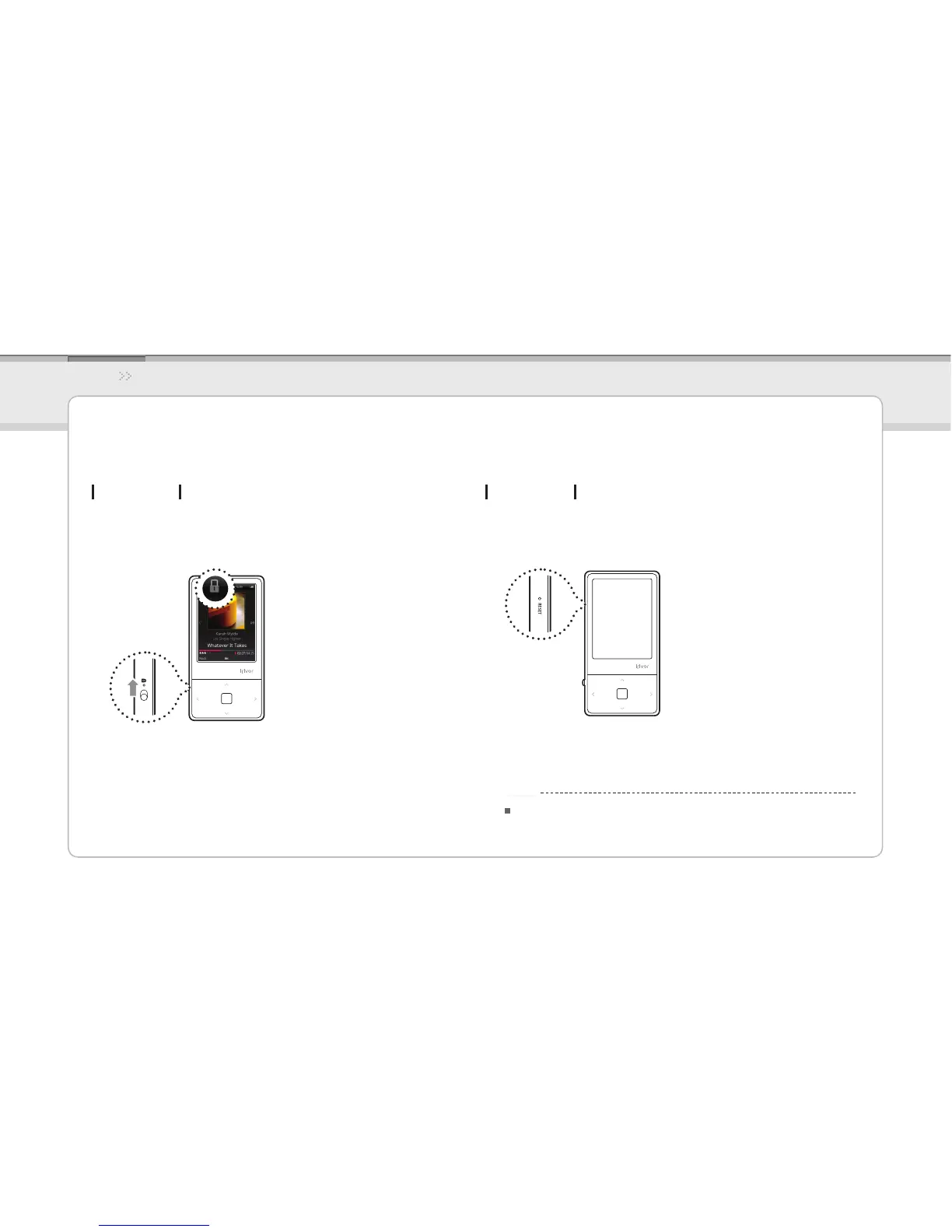
Using HOLD and RESET
Using HOLD
Slide the 1. HOLD switch to the direction of arrow as
shown below to lock the product.
Slide the 2. HOLD switch the opposite direction to
unlock the product.
If the player stops and does not respond to any 1.
commands, press the RESET pinhole.
Using RESET
Performing RESET does not delete the date / time settings
and data in the integrated memory.
Notice...



 To Next Page