14
iriver Music Videos Pictures Texts FM Radio Recordings File Manager Settings
Basic Operations
Connecting Products
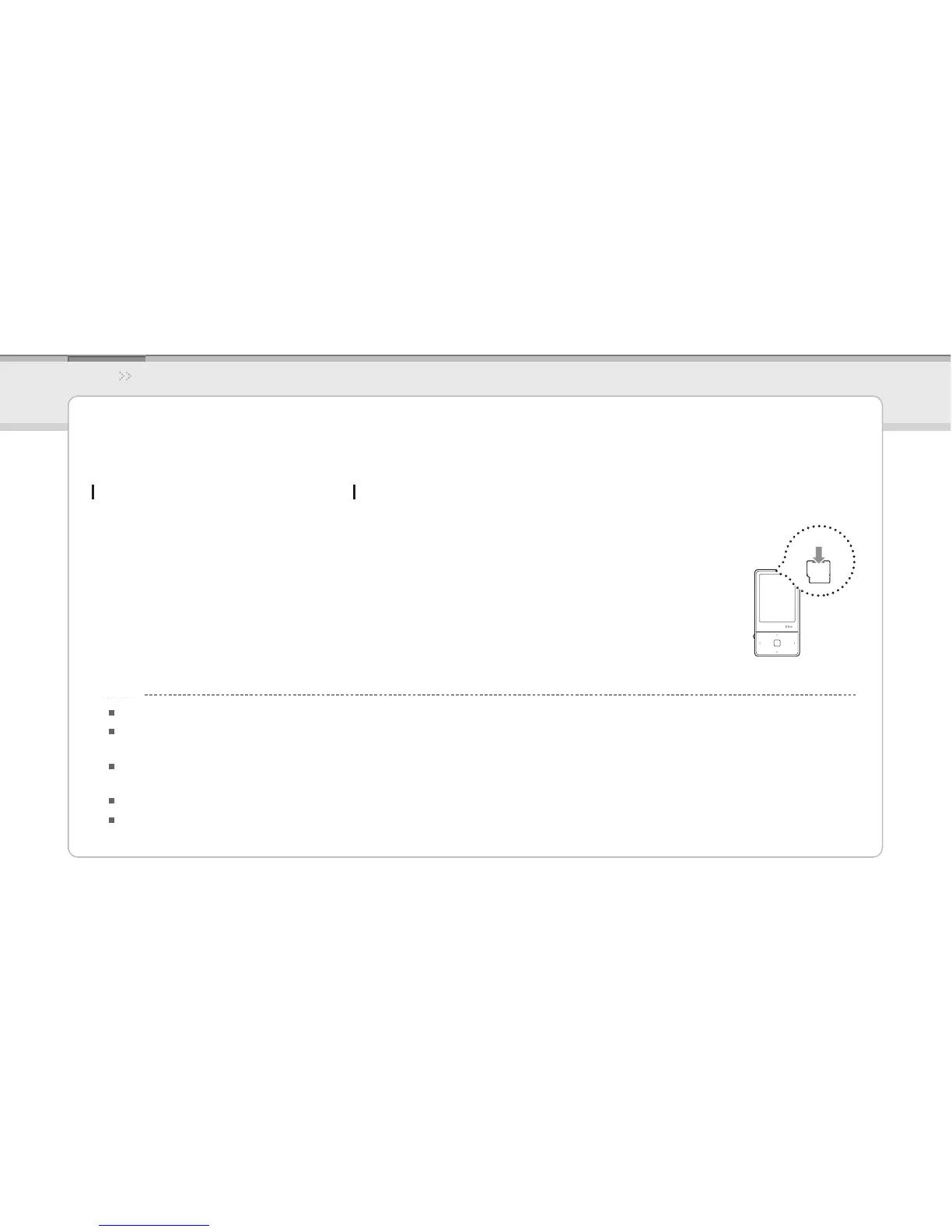
Inserting / Removing the micro SD card
Open the cover of micro SD card after turning o the 1.
product.
Insert and slightly press a micro SD card in the 2.
direction as shown below.
Press again to remove the micro SD card.3.
Be sure to insert / remove a micro SD card only after turning off the product.
Do not use excessive power to insert a micro SD card.
This can cause product malfunction or damage the micro SD card.
Do not remove a micro SD card while in use.
This can cause a deletion of data, product malfunction or damage micro SD card.
Do not insert or remove a micro SD card repeatedly.
If you insert a micro SD card improperly, it can cause product malfunction or cause the card to jam.
Notice...



 To Next Page