33
iriver Music Videos Pictures Texts FM Radio Recordings File Manager Settings
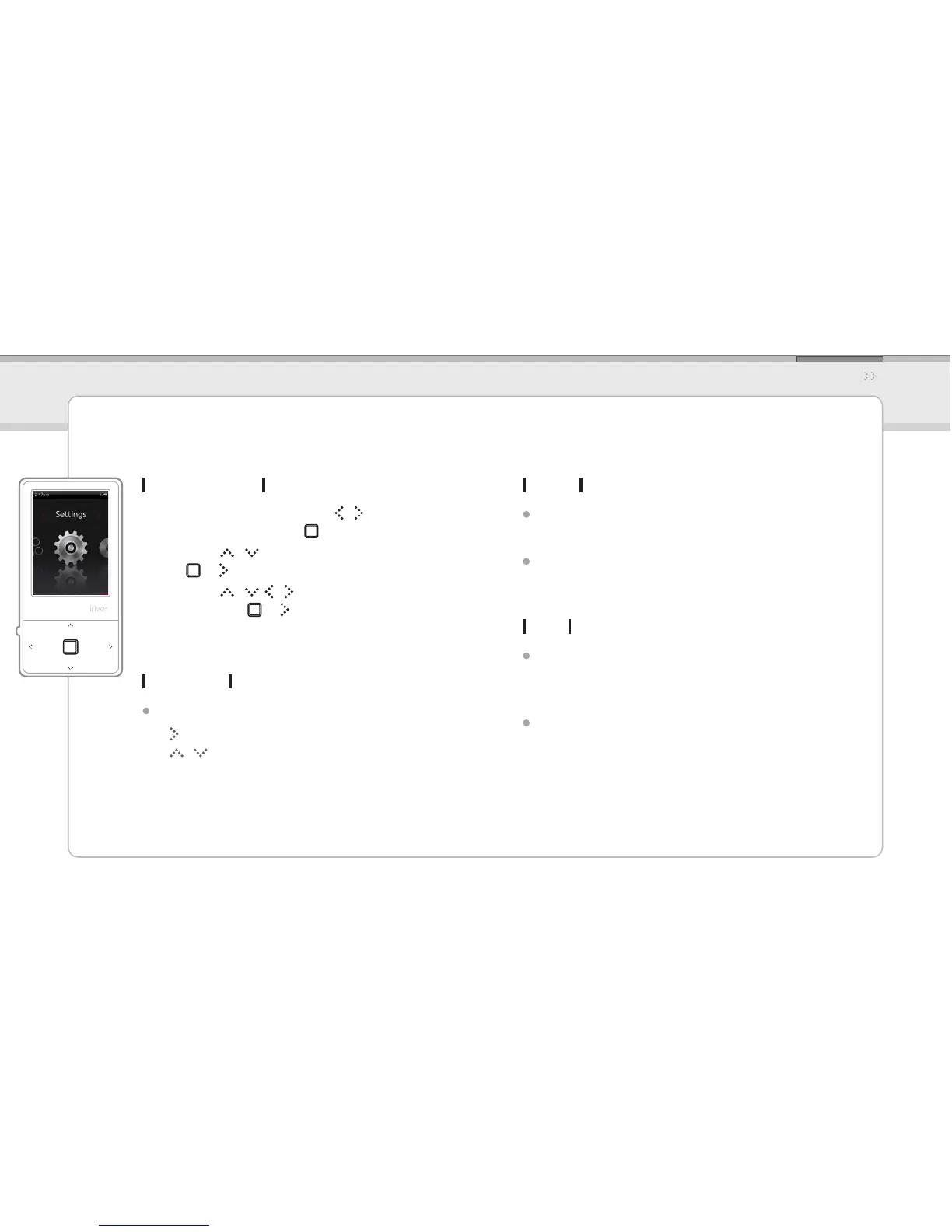
Selecting Setting
In the main menu, press the 1. / button to select
Settings and press the button.
Press the 2. / button to select the item and press
the or button.
Press the 3. / , / button to select the sub-item
and press the or button.
Using the Product
Settings
The iriver E100 supports customizable congurations.
The menu congurations are subject to change with different rmware versions.
Display
Backlight
Sets the amount of time to keep the backlight ON.
Brightness
Changes LCD display brightness.
Timer
Auto Power off
Automatically turns the power o after a
pre-determined period without operation.
Sleep
Automatically turns the power o after a
predetermined time.
Date & Time
Sets the current date and time
- button : Moves among elds.
- / button : Sets the value of each eld.



 To Next Page