18
iriver Music Videos Pictures Texts FM Radio Recordings File Manager Settings
Basic Operations
Connecting Products
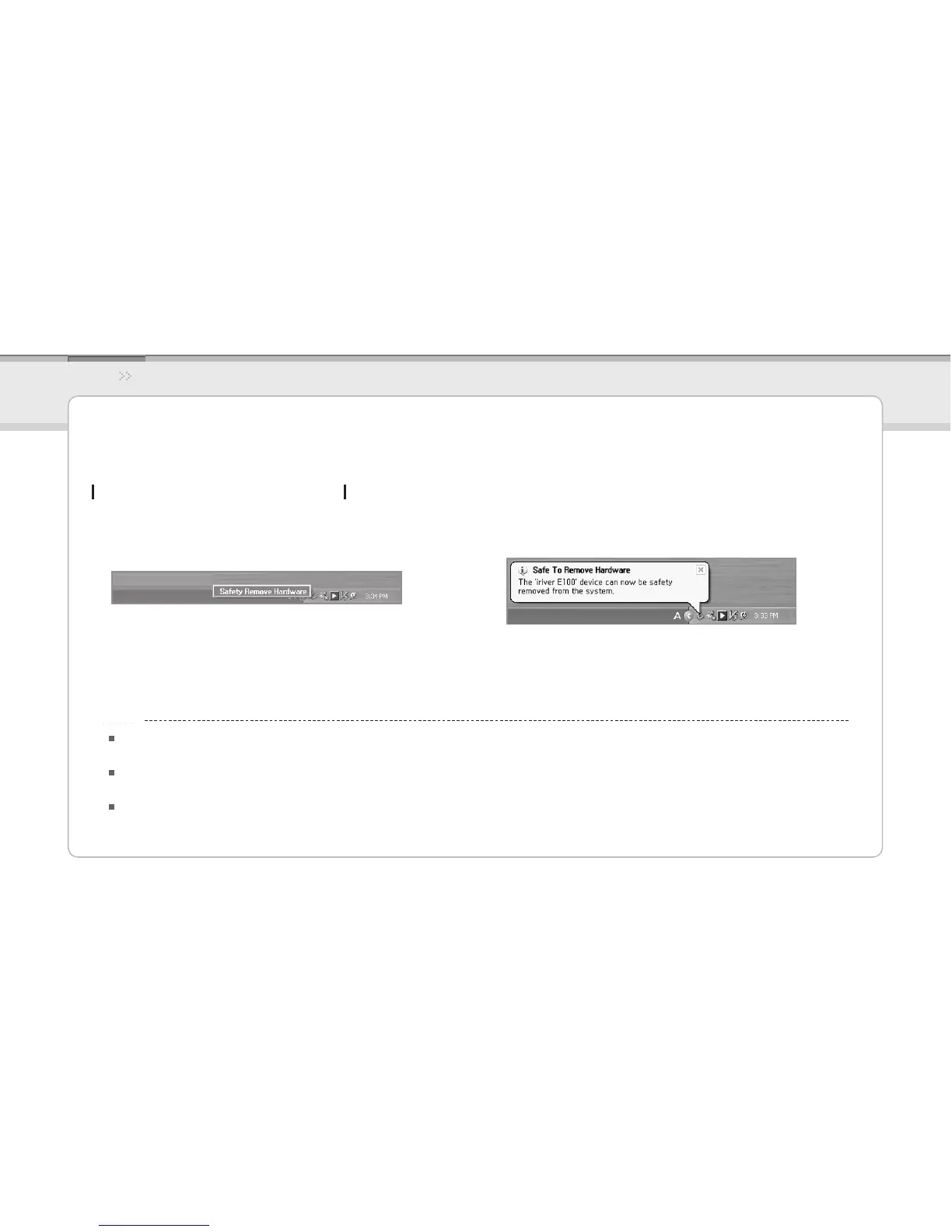
Disconnecting the E100 from your PC
Click the icon on the taskbar to disconnect the product 1.
using the Safely Remove Hardware menu.
Click the [Stop] button to conrm disconnection.2.
The icon on the taskbar may be hidden in some operating systems.
Click Show hidden icons to display the hidden icon.
The Safely Remove Hardware function may not be available while using some applications such as Windows Explorer or Windows Media Player.
Close all applications first before performing the Safely Remove Hardware.
If the Safely Remove Hardware is not performed properly, try again after a few minutes.
If the product is removed without observing the above process, data in the product might be damaged.
Notice...



 To Next Page