16
iriver Music Videos Pictures Texts FM Radio Recordings File Manager Settings
Basic Operations
Connecting Products
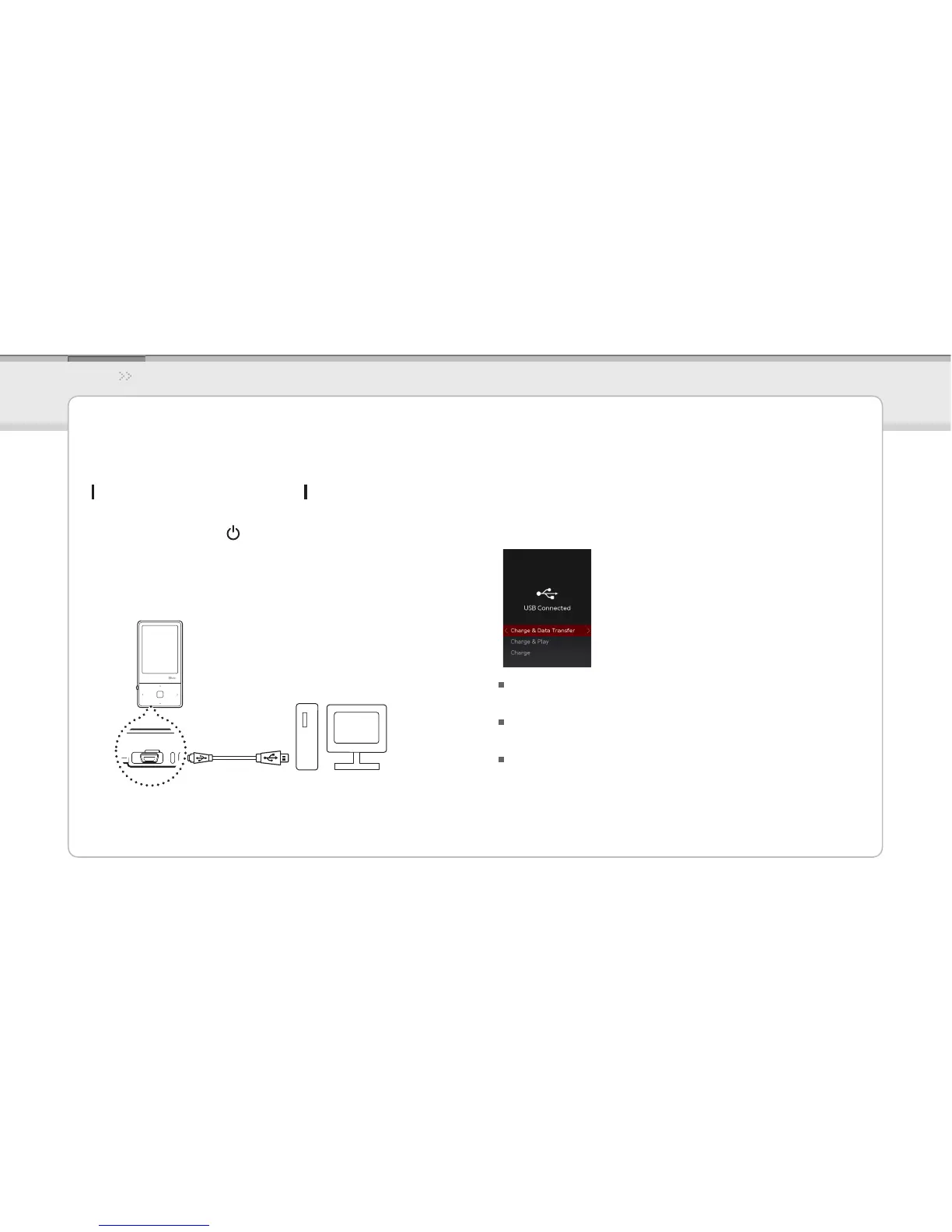
Connecting the E100 to your PC
Press and hold the 1. button on the product to turn
it on.
Turn on your PC and connect the E100 to it using the 2.
USB cable provided.
If properly connected, the LCD will display as below.3.
Charge & Data Transfer : The product is currently being
charged and data is being transferred.
Charge & Play : The product is currently being charged and
a le is being played.
Charge :The product is currently being charged.



 To Next Page