32
iriver Music Videos Pictures Texts FM Radio Recordings SettingsFile Manager
Browsing Device
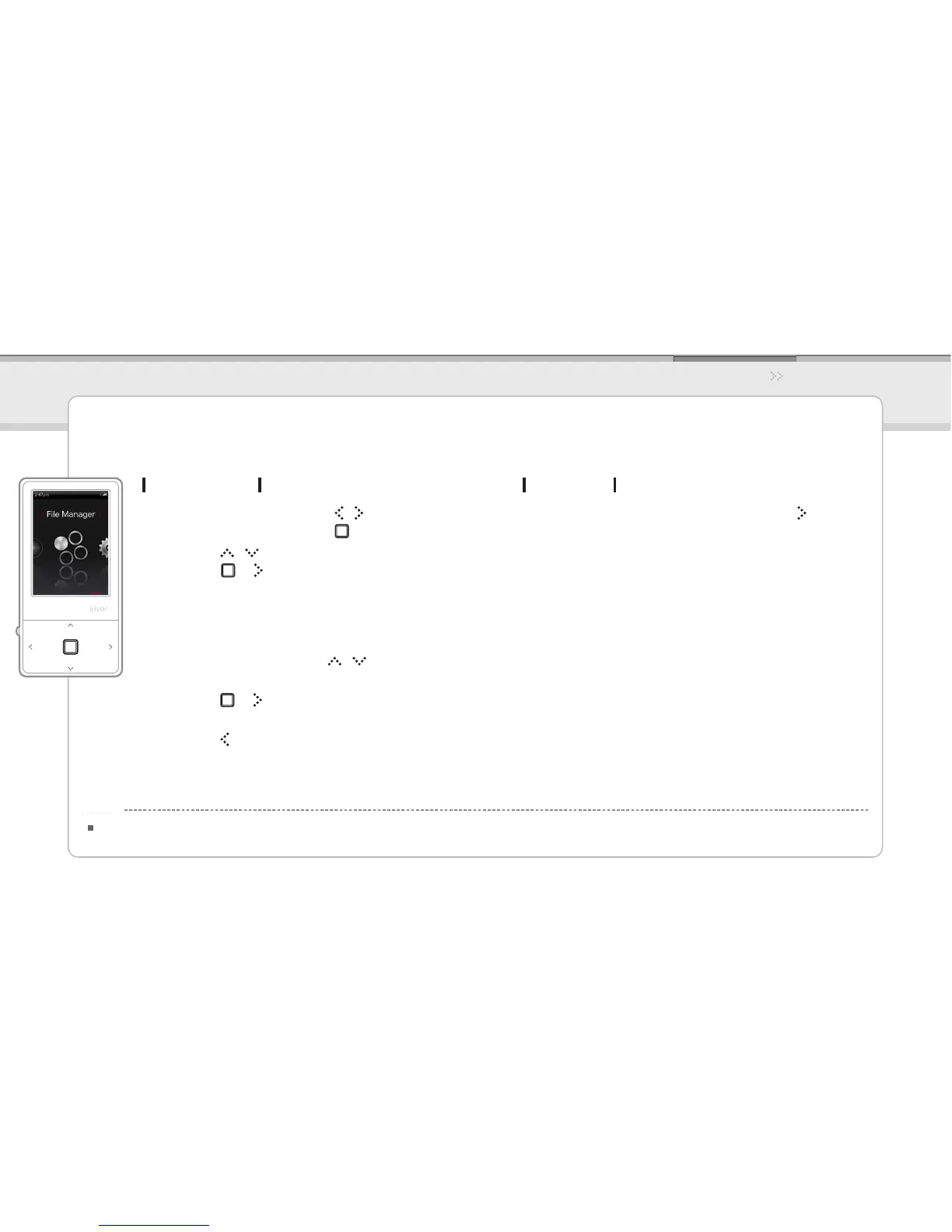
In the main menu, press the 1. / button to select
File Manager and press the button.
Press the 2. / button to select the memory and
press the or button.
Internal Memory Displays le / folder lists saved in
internal memory.
External Memory Displays le / folder lists saved in
external memory.
In le (folder) list, press the 3. / button to select
the previous / next le (folder).
Press the 4. or button to move to the subfolder
or play the selected le.
Press the 5. button to move to the upper folder.
When the micro card is inserted, an external memory is displayed.
Notice...
Using the Product
File Manager
You can manually check and play various media saved in the iriver E100.
Deleting File
After selecting the le, press and hold the 1. button.



 To Next Page