EasyManua.ls Logo

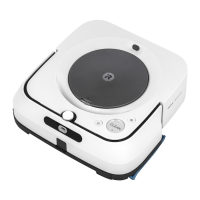
iRobot Scooba 5800 - User Manual

iRobot Scooba 5800
30 pages
Print Icon
To Next Page IconTo Next Page
Loading...
www.irobot.com
iRobot
®
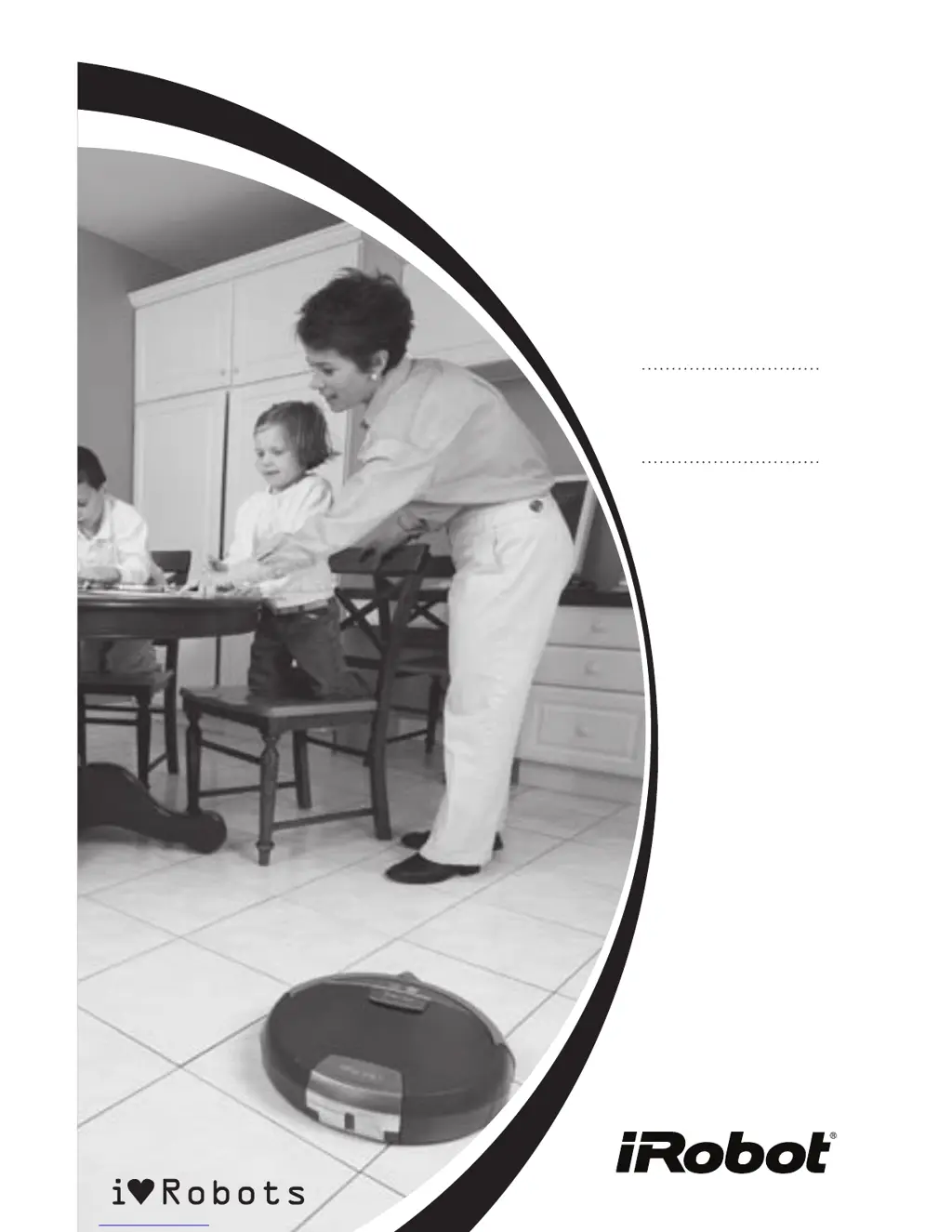
Scooba
OWNERS MANUAL
Model 5800
SAVE 15%
on accessories.
See back for details.

Questions and Answers

  • A
    Amy BurtonAug 17, 2025
    Why is the Check Tank Light on my iRobot Vacuum Cleaner?
    • B
      Bethany SanchezAug 17, 2025
      The 'Check Tank Light' illuminates for these reasons: * The tank is not in the robot: Place the tank in the robot and make sure the tank latch is securely closed. * The cleaning cycle is complete: Empty the Dirty and Clean tanks.
  • S
    stacycollinsAug 20, 2025
    How to fix iRobot Scooba 5800 Vacuum Cleaner that will not start cleaning?
    • C
      chaddoughertyAug 20, 2025
      If your iRobot Vacuum Cleaner isn't starting, check these: * Power: Press Power, then press Clean to start Scooba. * Battery: Charge Scooba’s battery. * Battery Seating: Remove battery and ensure that battery tabs are placed inside Scooba’s guide holes before closing Scooba’s tank.
  • R
    Rebecca OwensAug 25, 2025
    How to troubleshoot the Check Brush Light on iRobot Scooba 5800?
    • M
      Max RomeroAug 25, 2025
      If the 'Check Brush Light' is on, it indicates a problem with the brush. Here's what to do: * The brush is jammed: Remove and clean Scooba’s brush and cleaning head. With cleaning head and tanks removed, turn Scooba over, inspect and clean the cleaning head area. * The cleaning head is improperly installed: Remove and replace Scooba’s cleaning head. * The filter is missing: Remove, rinse and replace Scooba’s filter. Ensure filter is installed properly.
  • R
    Ryan CarrAug 27, 2025
    What to do if my iRobot Scooba 5800 displays Service Codes?
    • M
      Michael EllisAug 27, 2025
      If your iRobot Vacuum Cleaner is displaying service codes, it indicates an internal issue. The following causes require you to contact iRobot customer care: * Pump malfunction * Vacuum malfunction * Battery failure * Charger has failed If the service code is due to the battery being too hot, make sure Scooba was not recently filled with hot water or charged in a hot place. Wait for Scooba and battery to cool down and try again.
  • B
    bradley25Aug 30, 2025
    What to do if iRobot Vacuum Cleaner Check Tank light is on?
    • T
      Tracy HarrisAug 30, 2025
      If the 'Check Tank' light is on, try the following: * Inspect and clean Scooba’s solution valve with a damp cloth. Confirm that the battery, filter, and vacuum port are properly installed, and that the tank is completely closed. * Fill Scooba’s Clean tank with approximately 1 cup of cold water, shake vigorously, and empty it to remove any debris in the tank. Refill Scooba’s Clean tank with water and Scooba cleaning solution or vinegar.
  • C
    christopherevansSep 2, 2025
    Why is there excessive foam coming out of my iRobot Vacuum Cleaner?
    • P
      Paul OrtizSep 3, 2025
      If you see excessive foam coming out of your iRobot Vacuum Cleaner, it's likely because there is too much cleaning solution concentrate in the Clean tank. Empty and rinse the Clean tank thoroughly. When re-filing, make sure to use only 1.5 ounces of Scooba cleaning solution and to fill the Clean tank completely to the rim with water.
  • M
    Michael YangSep 6, 2025
    What to do if cleaning head sticks out of iRobot Vacuum Cleaner?
    • A
      Amanda PetersenSep 6, 2025
      If the cleaning head sticks out and will not engage, it means that the cleaning head is not closed tightly over the brush. With the tank open, slide the cleaning head out of Scooba. Squeeze the cleaning head completely closed over the brush before re-inserting it into its proper location.
  • J
    Julie SanchezSep 9, 2025
    Why is the power light on my iRobot Vacuum Cleaner red?
    • C
      Colin CooperSep 9, 2025
      If the power light is red, it indicates that the battery is discharged. Recharge Scooba’s battery.
  • J
    Jesse BuckNov 13, 2025
    What to do if iRobot Vacuum Cleaner is stuck?
    • K
      Kenneth NavarroNov 13, 2025
      If the 'I’m Stuck Light' is on, there could be several reasons: * One of the wheels is off the floor: Inspect the wheels, push each wheel up and down, place the robot back on the floor and press Clean. * The front wheel is stuck: Ensure that the front wheel can spin freely by lightly pushing it up and down. The front wheel can be removed, cleaned, and replaced. * Bumper problem: Tap the bumper to ensure that it moves in and out. Visually inspect the bumper edges for debris. * Cliff sensors are dirty or malfunctioning: Clean cliff sensors with a cotton swab. The cliff sensors are located in the bumper and are accessed by turning Scooba over. * Left or right wheel malfunction: Inspect the drive wheels. Spin the wheels by hand and confirm that they offer some resistance. If it does...

Summary

Important Scooba Tips

Scooba Battery Performance

Battery Life and Charging Guide

Information on charging the battery, its lifespan, and special refresh charge cycles.

Scooba Battery Installation and Removal

Installing the Scooba Battery

Step-by-step guide on how to correctly install the battery into the Scooba robot.

Removing the Scooba Battery

Step-by-step guide on how to safely remove the battery from the Scooba.

Charging the Scooba Battery

Scooba Cleaning System Overview

Routine Scooba Maintenance

Rinsing the Dirty Tank

Instructions for rinsing the Dirty tank after each cleaning cycle to maintain performance.

Cleaning the Scooba Filter

Guide on how to remove, rinse, and replace Scooba's filter for optimal function.

Scooba Brush and Vacuum Port Cleaning

Troubleshooting Warning Lights

Im Stuck Light Troubleshooting

Service Codes and Alarms

Check Tank Troubleshooting Guide

General Scooba Troubleshooting

iRobot Customer Care and Support

Important Safety Instructions

General Safety Instructions

Essential safety rules for operating, using, and maintaining the Scooba robot.

Scooba Battery and Charging Safety Guidelines

Precautions for safe charging and handling of the Scooba battery and charger.

Scooba Use Restrictions

iRobot Scooba 5800 Specifications

General IconGeneral
BrandiRobot
ModelScooba 5800
CategoryVacuum Cleaner
LanguageEnglish

Related product manuals