DOC. MIE91093 Rev. 1.34 Page 121 of 145
Restraint Current:
2
*2
2
)(
2
21
211
II
IIIII
I
BA
R
Differential Current:
Other tests
Continue the same way as for test #2, in order to record as
many points (IR-ID) as desired.
1.15.6 Displaying characteristic with X-Pro 1000
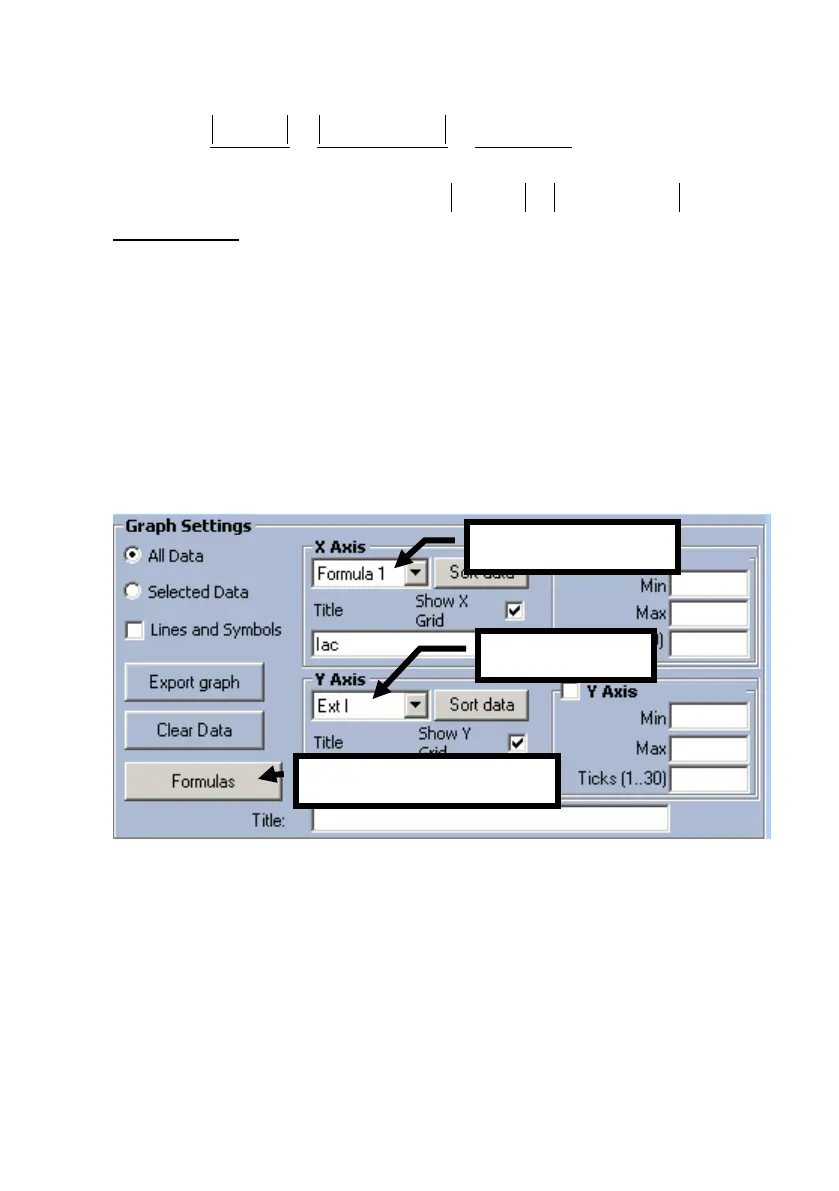
First of all, transfer to the computer all records stored in the
memory of the T1000 PLUS. The parameter involved in the
test are Iac and Ext I… you can show them directly in the
software… or edit a formula
by clicking the Formulas button and edit IR = (2*Iac+ExtI)/2
as Formula #1.


 To Next Page