GLS Sampler
2-2
2.2 Programming the GLS
There are two ways to program the GLS:
• One-button Programming
• Standard Programming
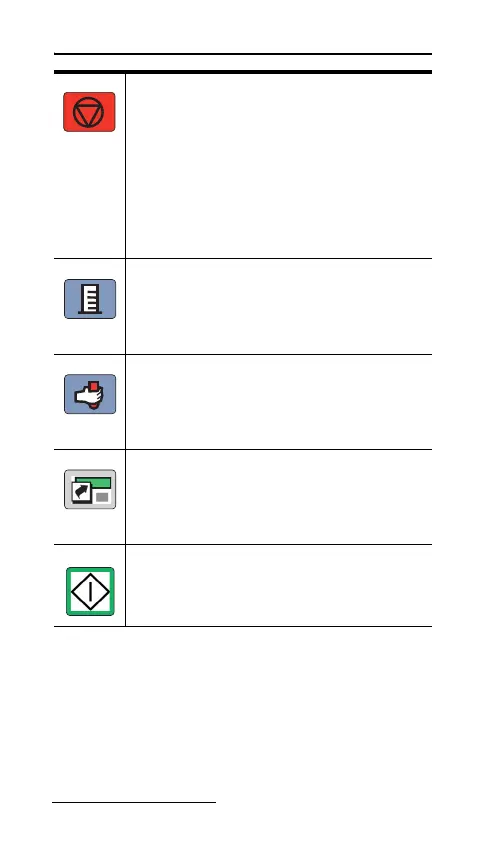
Stop Button – The Stop button
interrupts the current task and the
display reverts to the previous screen or
state. If you press the Stop key while a
number-entry screen is displayed, the
GLS restores the previous value.
Pressing the Stop key while running a
program places the GLS in the Paused
state.
Calibrate Button – Pressing the
Calibrate button while in the Standby
state takes you to the Calibrate Sample
Volume sequence of the programming.
Grab Sample Button – The Grab
Sample Button allows you to collect a
grab sample outside of the programmed
number of samples.
Program Button – The Program button
is used for the GLS One-button
Programming (see One-button
Programming, section 2.3).
Go Button – Pressing the Go button
places the GLS in the Run state using
the current program.


 To Next Page