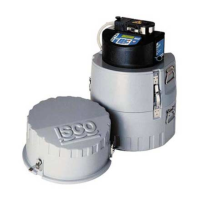
GLS Sampler
2-8
You may use a non-standard bottle in the GLS.
When entering the non-standard bottle volume,
it is advisable to enter a value less than the
total volume. Again, this will reduce the
possibility of missed samples and spills.
To enter the Bottle Volume:
1. Press the appropriate number buttons on
the keypad. The GLS requires all four
numbers.
2. Press the Enter button to accept the new
value. The GLS loads the value into the
current program settings and advances to
the next step.
Overfilling the bottle or missing samples can
affect your sampling results. In some
applications, missed or spilled samples may
render the bottle contents to be less than a
representative composite sample.
2.4.4 Number of Samples
To enter the number of samples to collect:
1. Press the appropriate number buttons on
the keypad.
2. Press the Enter button to accept the new
value. The GLS loads the value into the
current program settings and advances to
the next step.
TAKE 10 SAMPLES
(1-999)


 To Next Page