23
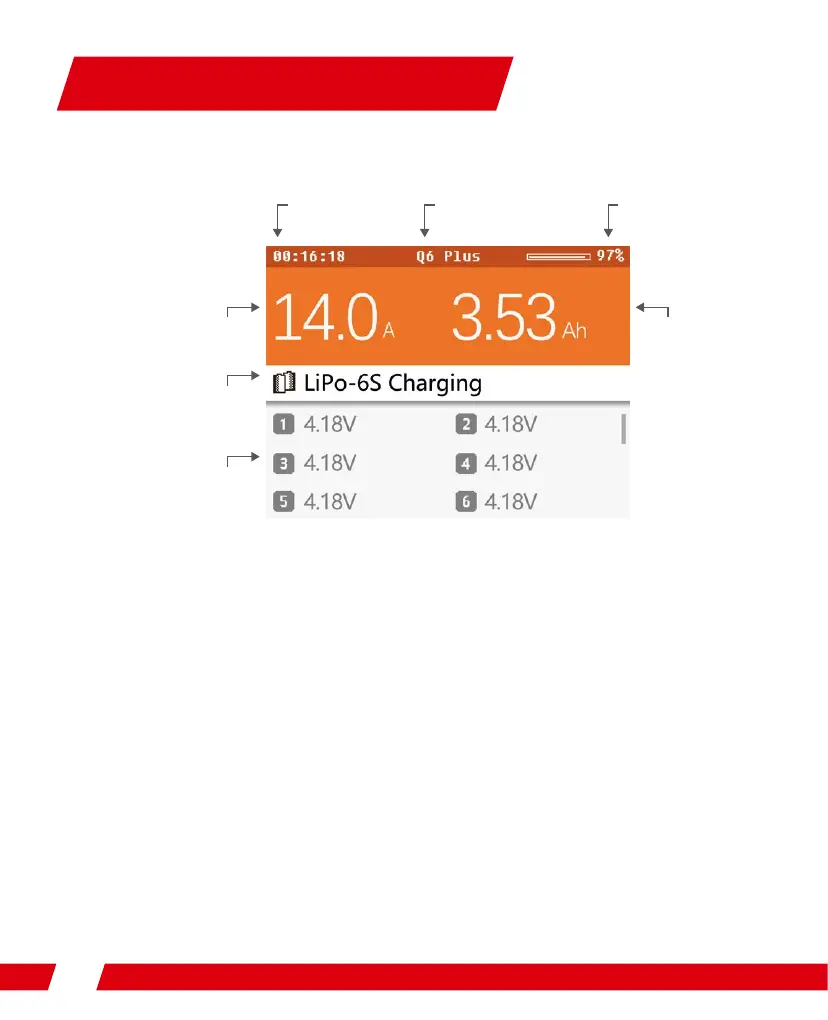
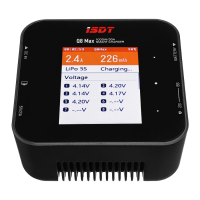
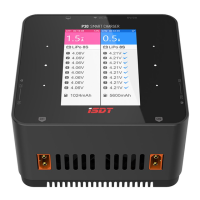
Rotating the shuttle key during operation can switch the displayed information in the lower half
of the screen, which are cell voltage, cell internal resistance and working parameter. The cell
voltage and internal resistance can only be displayed in the mode of balance charging (3
minutes).
Gbtu!Dibshjoh
Working Parameters Display
Battery percentage
Capacity chargedPresent current
Battery type – string number
Current task status
Device Name
Task operation time
Cell voltage


 To Next Page