iMC-B / iMC-V Operating Instruction
page - 20
6.2 ProNC / Remote installation and first steps
Operation of the controller iMC-B / iMC-V takes place either with the control software
Remote or with the control / programming software ProNC.
If there is no operation software installed ex factory do the following steps to install
the software later:
1. Connect ProNC / Remote install medium (delivered CD or USB stick) with the
control computer.
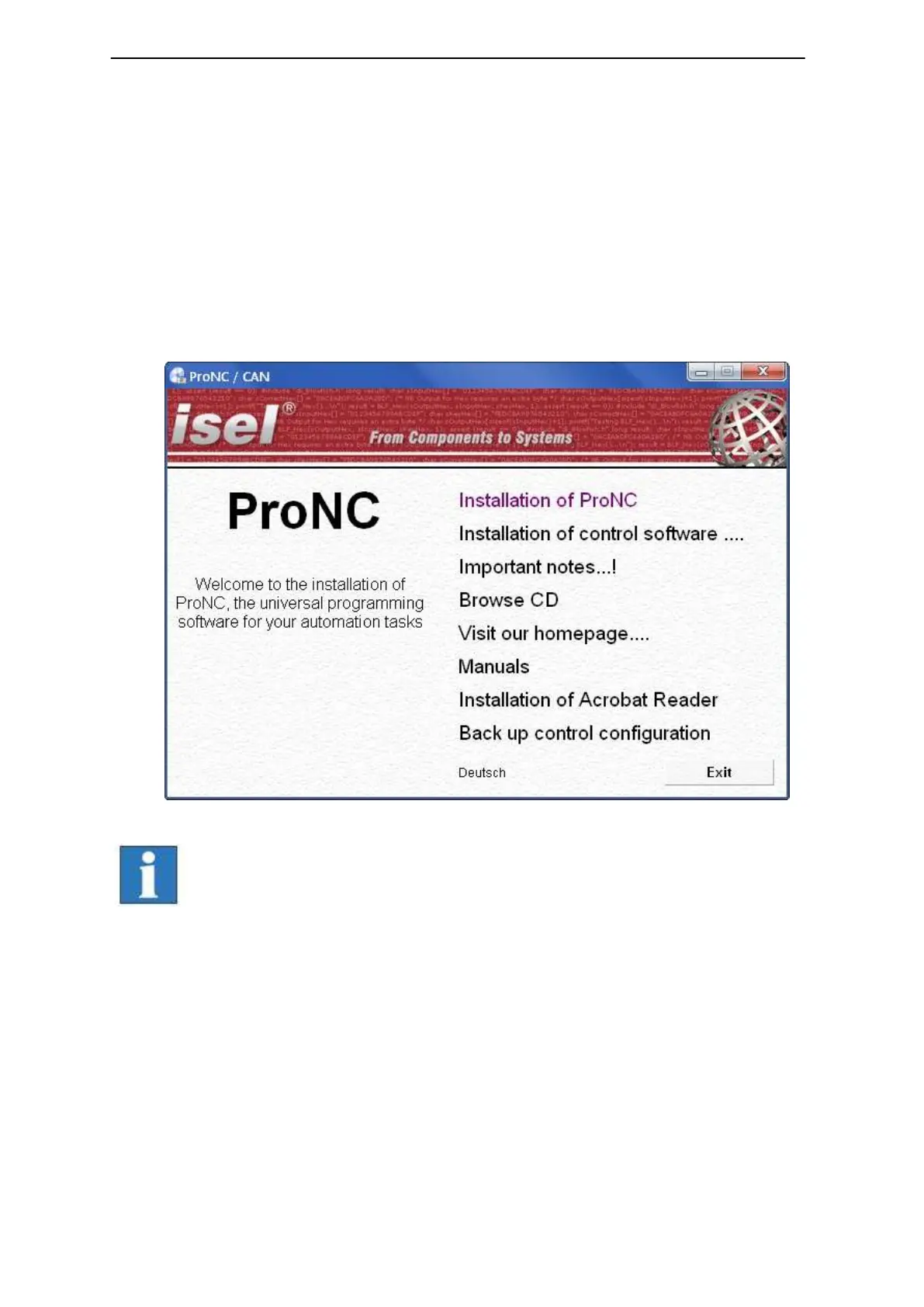
2. Following Auto-start-window will be shown (when installing from CD):
If Auto-Start-window is not shown start the Windows Explorer
and open the root directory of the CD/DVD- or USB-drive.
Double click on the file “Autorun.exe“.



 To Next Page