14 Ishida Setup & Calibration Manual
2.7 QBX Series
Follow the steps below to set up and calibrate the QBX Series scale.
NOTES:
• Press any key to cancel calibration procedures and return to the weigh display.
• If
[o–Err] appears on the display, the weight exceeds the scale capacity.
• Standard calibration weight is
1/2 capacity. However, when possible, calibrate using a full capacity
weight. See the table below for the unit system capacities.
• If
[1–Err] appears on the display, the calibration weight is less than 50% of the standard.
• If
[2–Err] appears on the display, an object other than the calibration weight is on the pan, or the display
tolerance (1%) is exceeded.
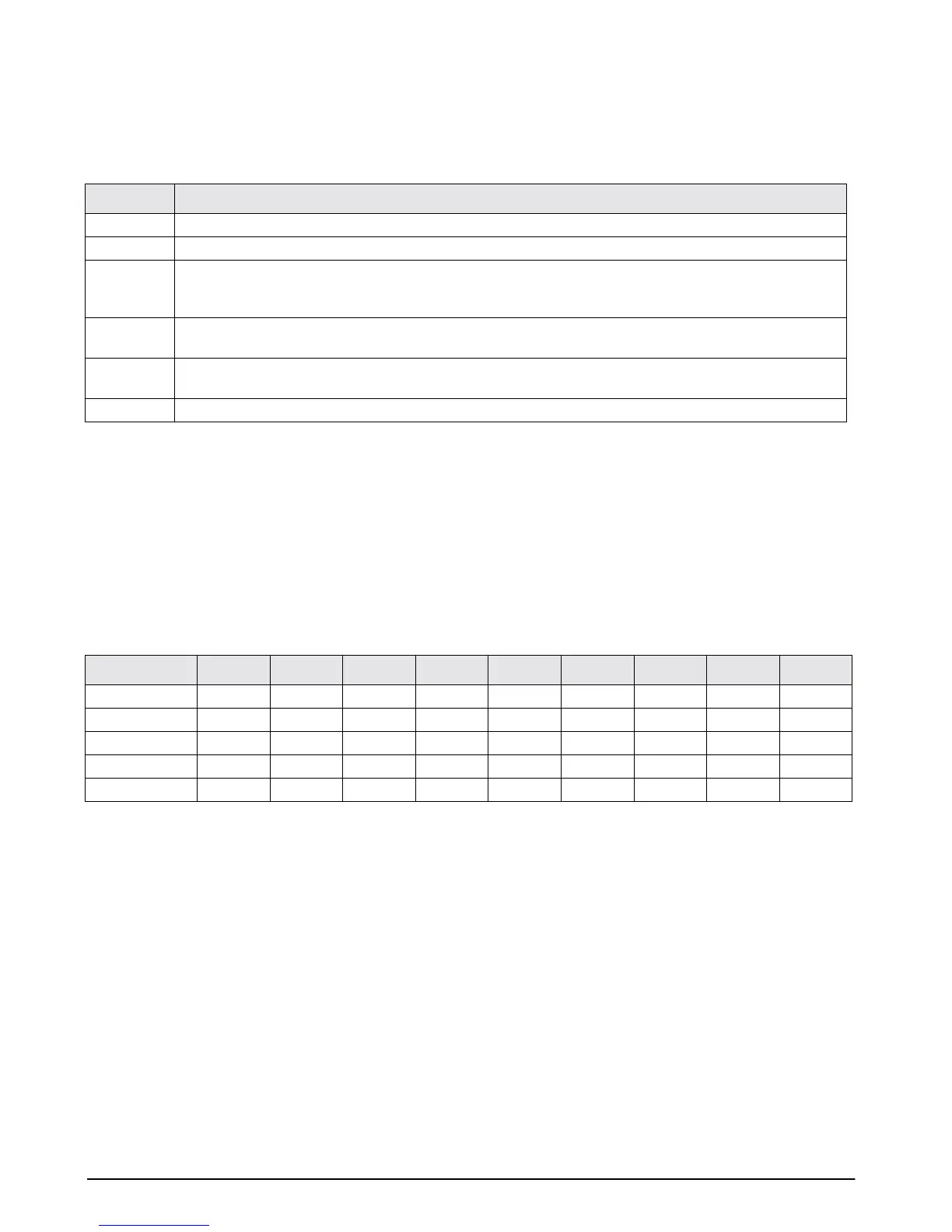
Setup Action
1Press and hold the MODE key until [Func] –> [CAL] appear in sequence, then release the key.
2Press and hold the T key, press the MODE key, then release both keys at the same time.
3 [un it] appears. Press the T key to increase the value of the right digit in this order:
[1] –> [2] –>. . . . [5]
Select the desired until system number (see table below).
4Press the MODE key to call up [on 0]. The QB automatically performs zero adjustment.
(Do not leave any weight on the pan).
5 After the QBX performs zero adjustment, [on FS] is shown. Place the calibration weight on the center of the
weigh pan (see table below for designated calibration weights).
6 When calibration is complete, the scale automatically returns to weighing mode.
Unit No. (mark) QB–150E QB–300E QB–600E QB–1500E QB–3000E QB–6000E QB–12KE QB–620E QB–6200E
1 (g) 150 300 600 1500 3000 6000 12000 620 6200
2 (kg) 0.15 0.3 0.6 1.5 3 12 12 0.62 6.2
3 (ct) 750 1500 3000 7500 15000 30000 60000 3100 31000
4 (oz) 5.2 10 21 52 100 210 420 21 210
5 (lb) 0.33 0.66 1.3 3.3 6.6 13 26 1.3 13


 To Next Page
 Loading...








