11
BATTERY & CHARGING
CHARGING
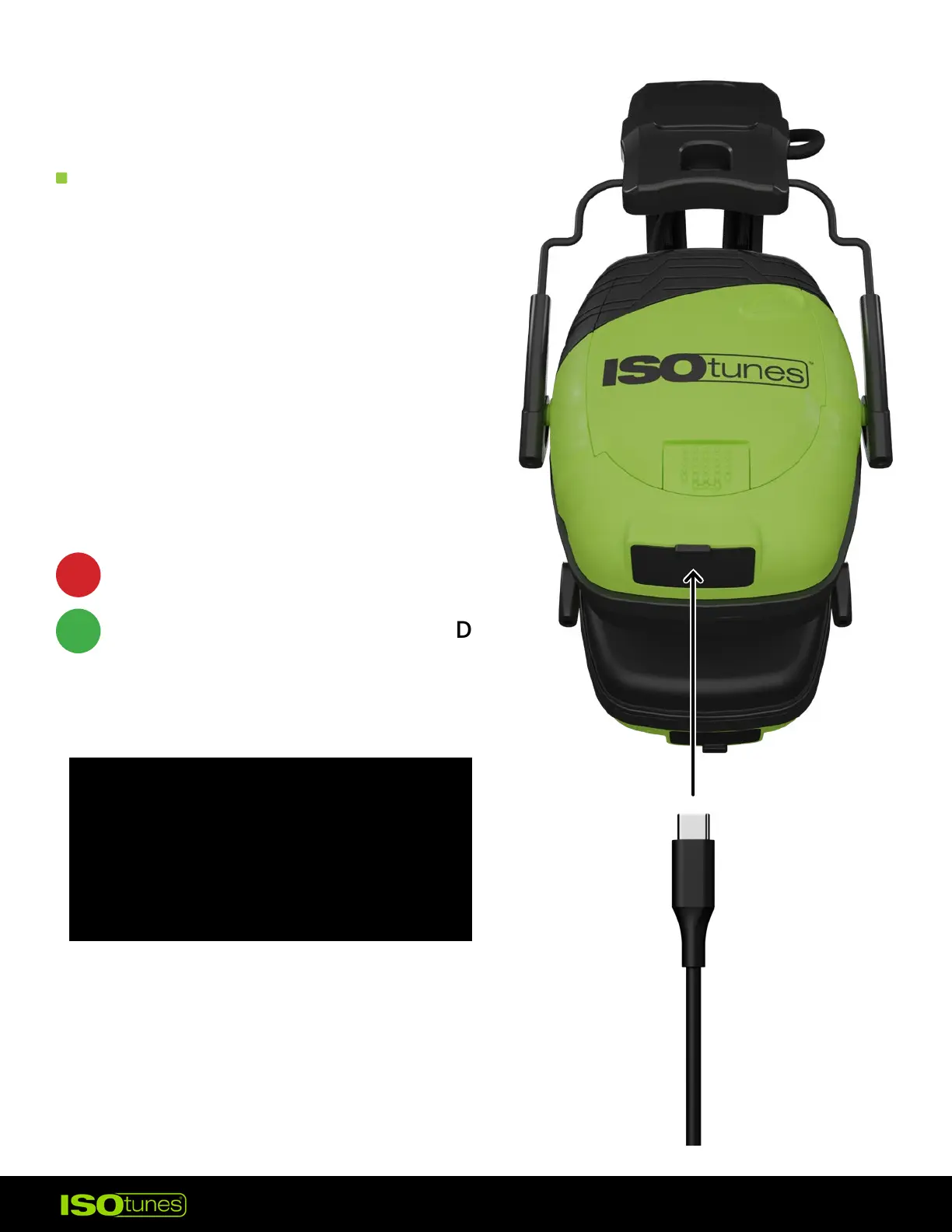
SOLID RED = CHARGING
SOLID GREEN = FULLY CHARGED
The headset can be powered by
the included rechargeable Lithium
Battery Pack. Please charge with
the included cable.
While the cable is plugged into
the Charging Port, LED Charging
Indicators will let you know how
charged the Lithium Battery is.
Charging voltage should not
exceed 5 volts. Avoid using
adapters or chargers rated
higher, as this can damage the
device or cause it to not charge.



 To Next Page