7
BLUETOOTH
PAIRING
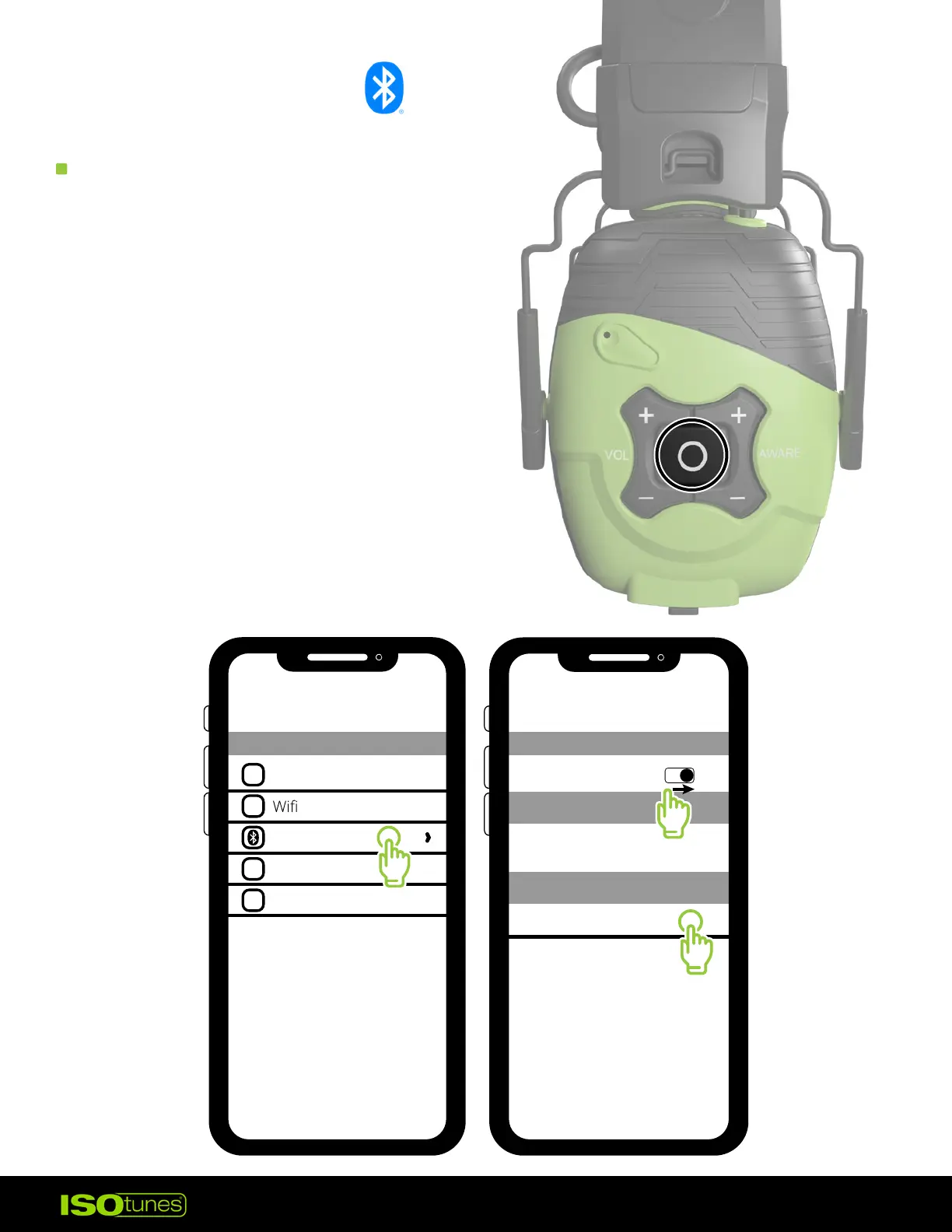
1. Press and hold the
Multi-Function Button to
power on the headphones.
2. You will hear “Power On” followed
by “Bluetooth Pairing Mode�”
The headphones will automatically
enter Pairing Mode.
3. Open your Bluetooth settings
on your device.
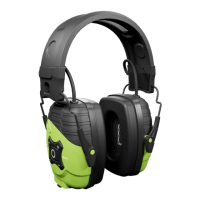
4. Select “ISOtunes LINK Aware.”
Pair and connect.
5. Once paired, you will hear
“Bluetooth Connected�”
Airplane Mode
Bluetooth
Cellular
Personal Hotspot
OFF
1
Bluetooth
Bluetooth
Bluetooth
My Devices
Other Devices
ISOtunes LINK Aware
2
3


 To Next Page