16
TROUBLESHOOTING
RESET
CUSTOMER SERVICE
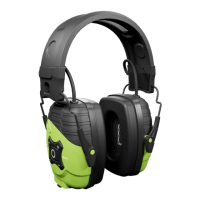
1. Earmus must be powered on.
2. Remove the earmus from your
Bluetooth connections.
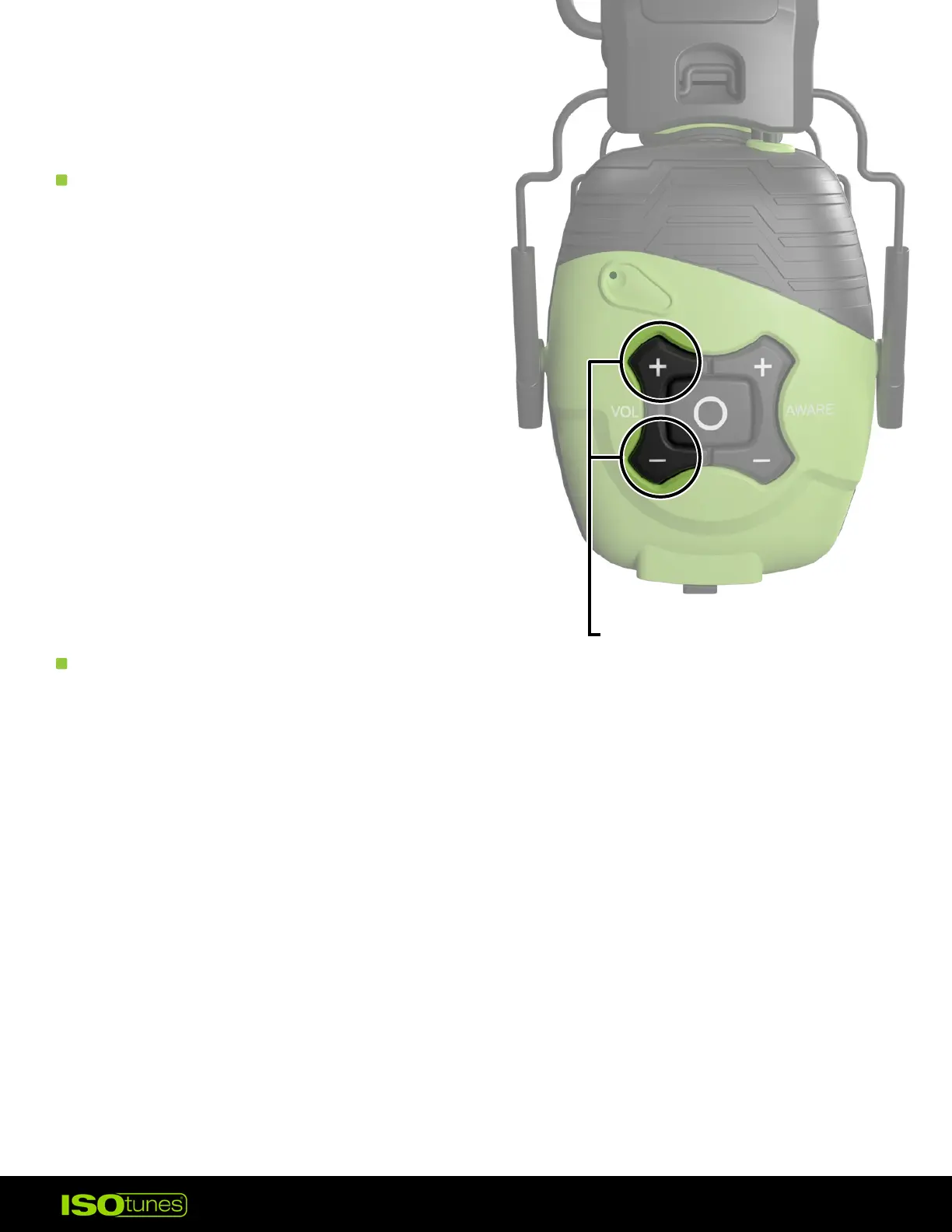
3. Press and hold the Volume Up
and the Volume Down buttons at
the same time. Hold for 4 seconds.
4. Product will shut o and you
will hear “Power On,” followed
by “Bluetooth Pairing Mode�”
5. Follow the pairing steps to
reconnect your device.
For more information, FAQs, or to
reach out for further assistance —
• ISOtunes.com/support
• ISOtunes.ca/support
• ISOtunes.co.uk/support
• ISOtunes.eu/support
PRESS AND HOLD
FOR 4 SECONDS


 To Previous Page