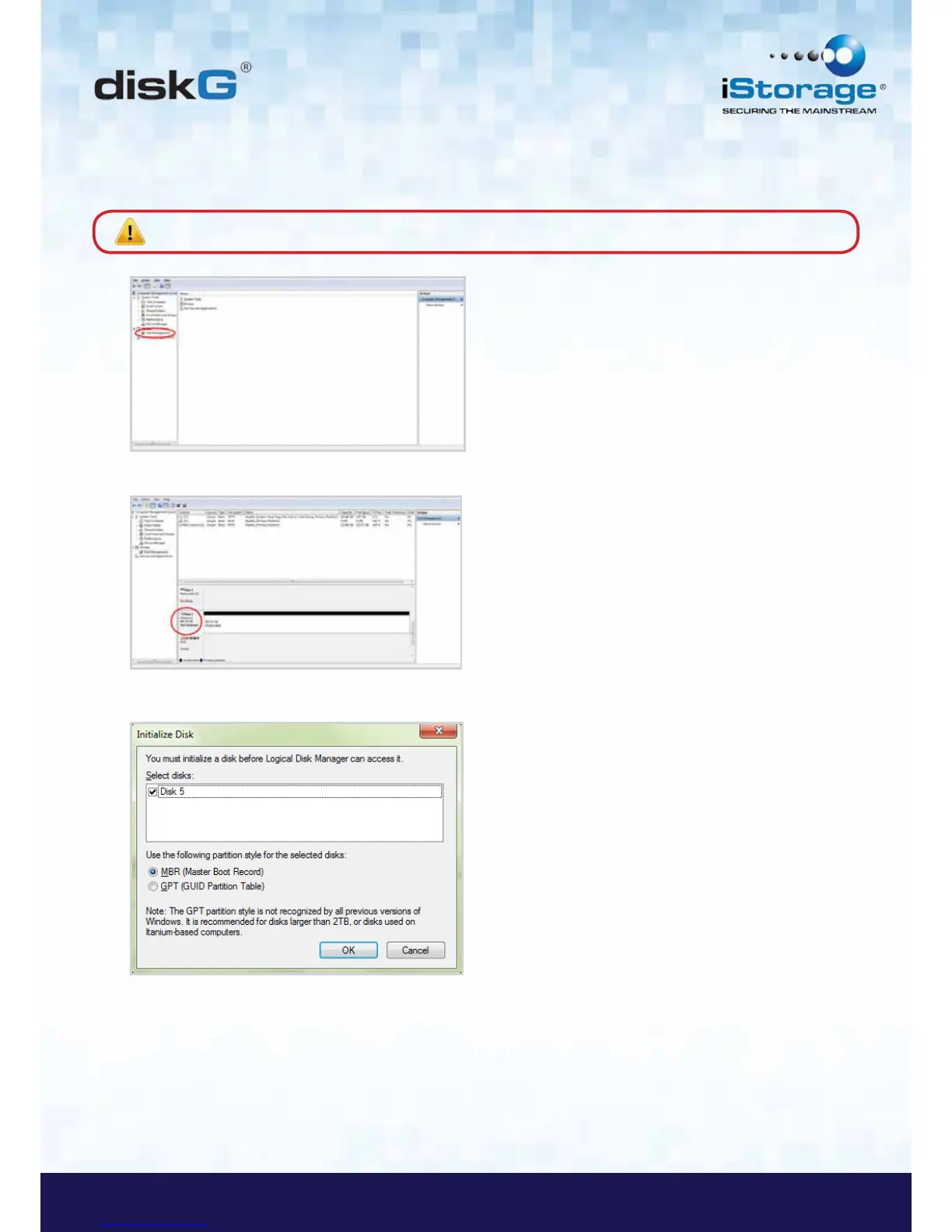
5. In the Computer Manage window, click Disk Management. In the Disk Management window, the diskG is
recognized as an unknown device that is uninitialized and unallocated.
6. Right-click Unknown Disk, and then select Initialize Disk.
Note: If the Initialize Disk Wizard window opens, click Cancel.
7. In the Initialize Disk window, click OK.
8. Right-click in the blank area under the Unallocated section, and then select New Simple Volume. The Welcome to
the New Simple Volume Wizard window opens.














 To Next Page