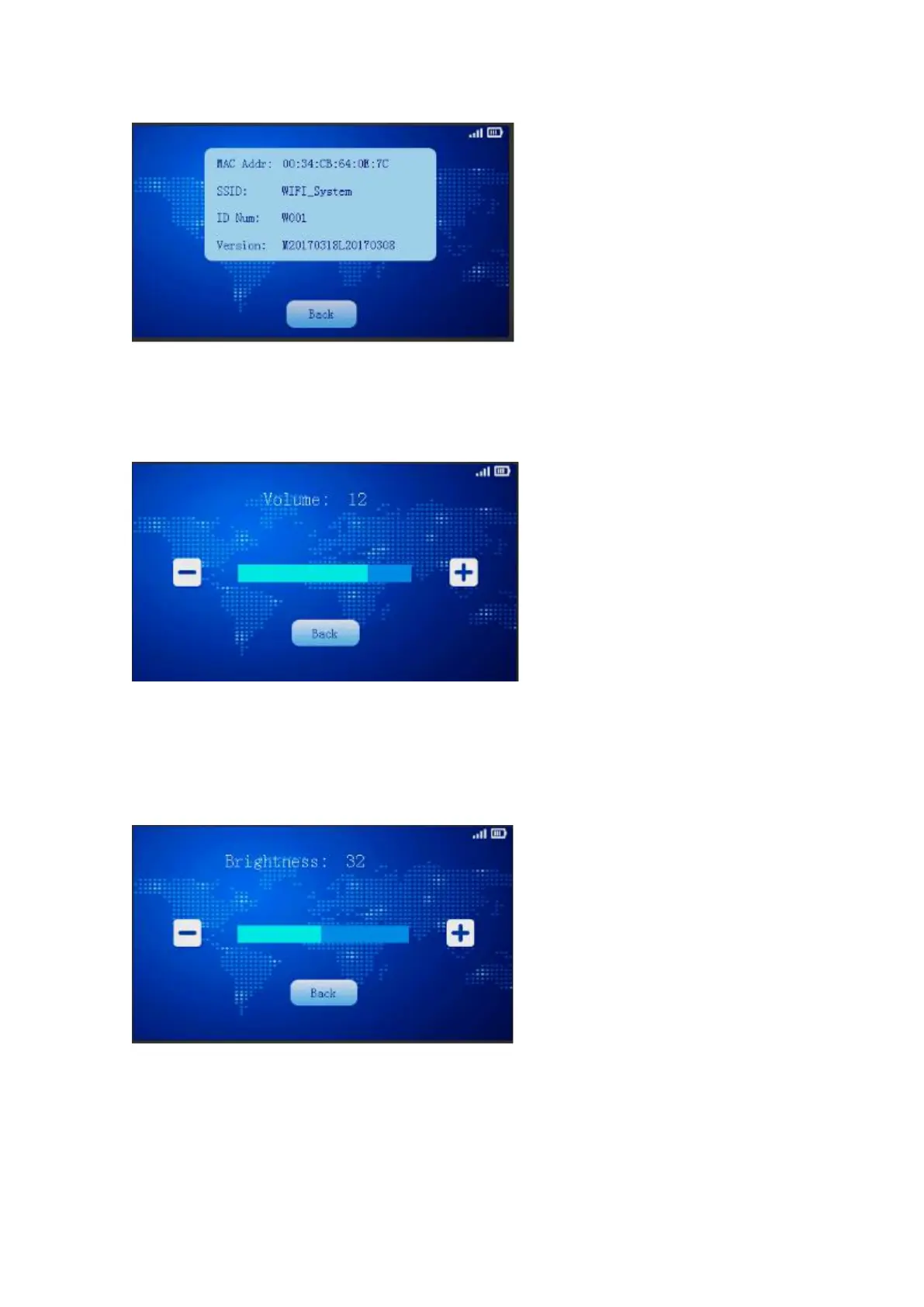
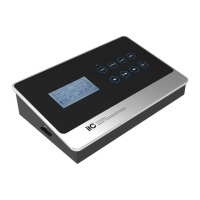
4.2.11 Volume adjustment
Click the volume button to enter the volume adjustment page; volume adjustment from level 0
to 16. 0 is muted, 16 is the maximum volume, auto saves up in case of power down.
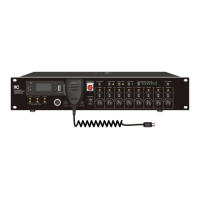
4.2.12 Screen brightness adjustment
Click the brightness adjustment button and enter the menu to adjust the brightness of the
machine, brightness adjustable range from 1 to 64, 64 is the maximum brightness, auto saves up in
case of power down.
4.2.13 Service application
Participants can ask for "tea service", "paper and pen service ", "manual service ".Click the service
button of the menu ,enter into ask for service page and select the option demand then send out.


 To Next Page