Basic operation
Copyright © ITECH Electronics Co., Ltd. 18
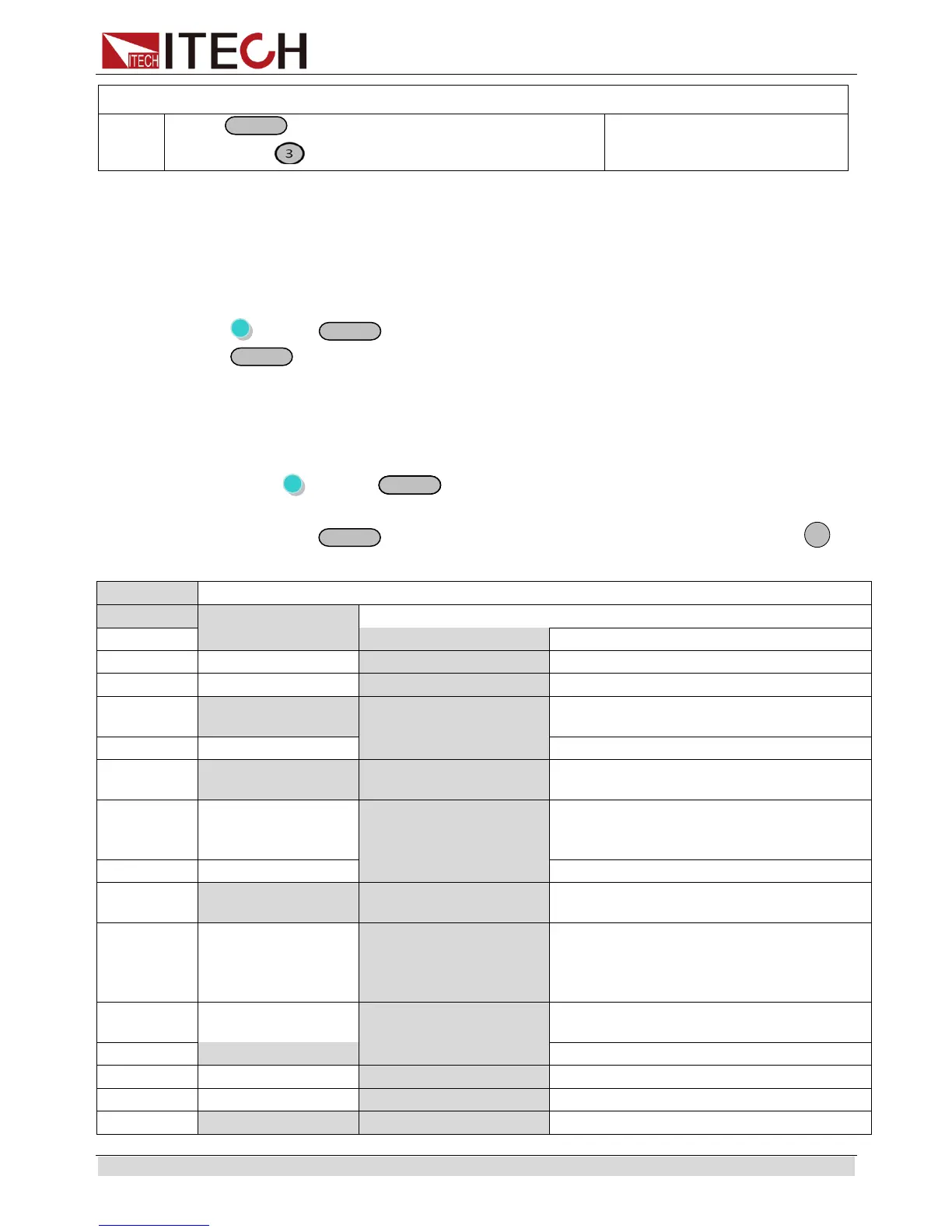
(then the key is lit) , and then press
numeric key
3.8 Trigger operation
You need to select the trigger mode from the menu before using this function.
Details refer to TRIG item in the system menu.
If the trigger source is selected to “Manual”, after you edit a list file, press
(Shift)+
(Trigger)to give a trigger signal. During the running process
button will flash all the time.
3.9 Menu Operation
3.9.1 Menu description
Press (Shift) +
(Menu) to enter menu mode. The menu parameters
will be displayed on the VFD. Use up and down keys to scroll through the menu list
and press
to select a menu and view the parameters. Press
to
return to the higher level menu and to return to the main operating mode.
Select whether to reset the config menu
Memory group set for save/recall
function
Set the Power ON/OFF state after
power up.
“Remembers” and restores the Power
ON/OFF state of the power supply
before power was turned off
Recall operating parameters of power
supply after power up
“Remembers” and restores the
operating parameters of the power
supply (voltage, current settings..)
before power was turned off.
Disable this function. The parameters
are the default set when power up.
Enable/disable the rotary knob.


 To Next Page