Remote Operation Mode
Copyright © ITECH Electronics Co., Ltd. 35
Chapter5 Remote Operation Mode
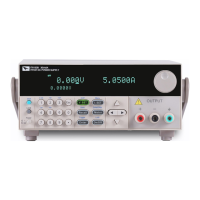
IT6100B configure with three type of communication interface RS232, USB and
GPIB for user adopting any of it flexible.
5.1 RS232 interface
There is a DB9 connector at the rear of the power supply, when connect to
computer, you need to connect a cable with COM port on both side; active
connection, you need to set the front panel composite press (Shift)+
key
configuration settings the same as computer configuration settings. RS-232
interface can be used to program all of the SCPI orders.
NOTE
RS232 settings must match the settings in front panel system information. If any change,
please press (Shift) +
key.
RS-232 data format
RS-232 data is a 10-bit word which has a start bit and a stop bit. The start bit and
stop bit can not be edited. However, you can select the parity items with (Shift)
+
key on the front panel.
Parity options are stored in nonvolatile memory.
Baud Rate
The front panel (Shift) +
button allow the user to select a baud rate
which is stored in the non-volatile memory: 4800/9600/19200/
38400/57600/115200
RS-232 connection cable
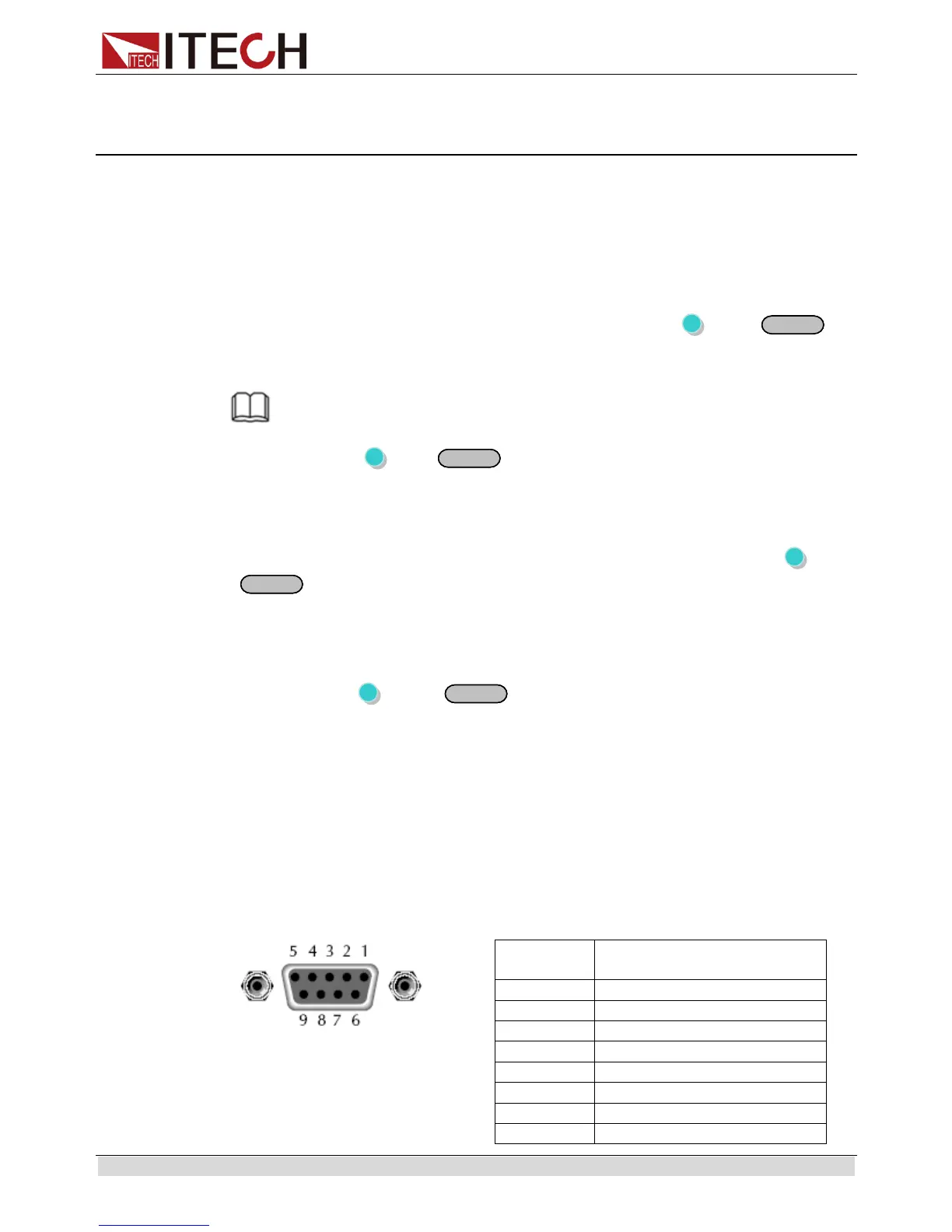
Use a RS232 cable with DB-9 interface, RS-232 serial port can connect with the
controller (eg PC). Do not use blank Modem cable. Below table shows the plug
pins.
If your computer is using a RS-232 interface with DB-25 connector, you need a
adapter cable with a DB-25 connector at one end and the other side is a DB-9(not
blank modem cable)


 To Next Page