Basic operation
Copyright © ITECH Electronics Co., Ltd. 24
mode, when output wave quality is maintained, current may overshoot; under
current mode, when current output wave quality is maintained, voltage rise speed
will get slower.
Voltage Range (IT6164B Specific function)
IT6164B is a double-range output power supply. This item is used to set the
voltage/current output range: High and Low. As shown below.
Voltage output range: 0V ~ 60V
Current output range: 0A ~ 20A
Voltage output range: 0V ~ 30V
Current output range: 0A ~ 40A
List Set
This mode allows you to create a sequence of steps, store it into the power
supply’s non volatile memory and execute it.
The input parameters for generating a list include the name of the list file, the input
steps (no more than 999 steps), the step time (the minimum is 1 mS) and the value
of each step.
After you finish the editing process and enable LIST mode, if you receive a trigger
signal, power supply will begin to work according to the sequence steps you’ve
edited.
Choose a trigger source in the menu, take MANUAL for example:
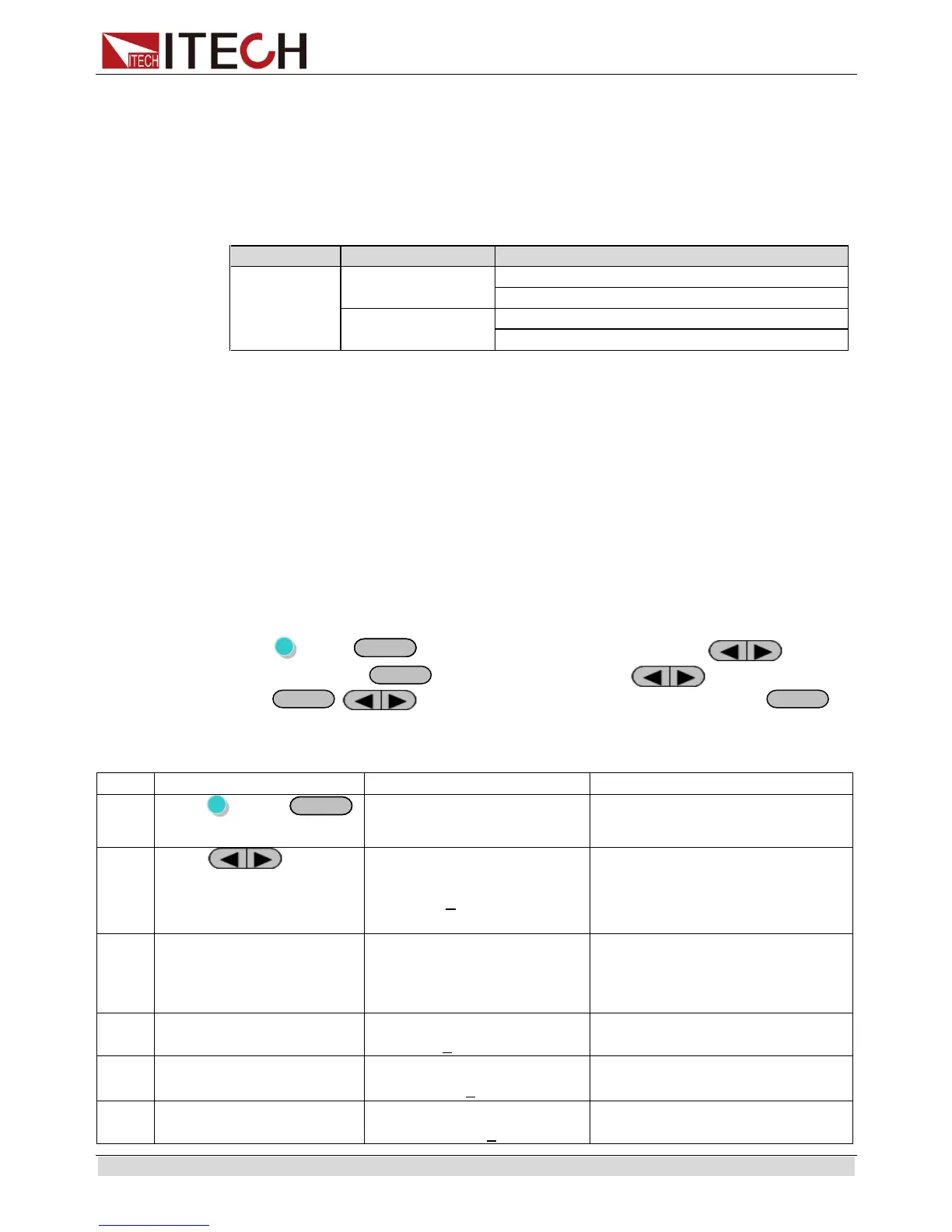
Press (Shift)+
(Menu) to system menu, and press to select
Config, press
to confirm. Press to select Trig,
press
, to select trigger source as Manual, press
to
confirm.
The operation to edit a LIST with 2 steps:
MENU
Config System Edit_List
Press to
select Edit_List, press
Enter to confirm, and
then set the LIST name
RECALL LIST FILE
Recall 5
Recall LISTfile, when recall a
List file already saved, press
Esc in the next step.
Set the run mode of
LIST, select Continuous
LIST MODE
Continuous Step
Continuous: LIST will run
continuously; step: another
trigger signal should be sent
when run a new step
Set the list repeat count
Repeat count range:1~65535
LIST STEP SET
Total Step= 3
Total step range:2~999(1 can
be set, but it makes no sense)
Set the voltage for the
1th step
LIST VOLTAGE SET
step001=12.000V


 To Next Page