IT6302 user manual
USER MANUAL
Note: If there is any operation on front panel within 5S, the cursor will disappear
automatically. You can also disable the cursor by pressing ESC button. When VFD
displays cursor, you can modify the parameters by adjusting knob or up/down
keys, or move the cursor by right/left keys.
Details about key buttons’ state:
When button is lit, means you can set voltage.
When button keeps flickering, means in LVP setting mode.
When button is lit, means in current setting mode.
When button is lit, means in recall mode
When button keeps flickering, means in save mode and waiting for a number
to be entered to specify the memory location.
When button is lit, means current VFD displays actual voltage and current.
When button is lit, means at least one channel output is on. Or all channel s
are in OFF mode.
buttons will not be lit at the same time.
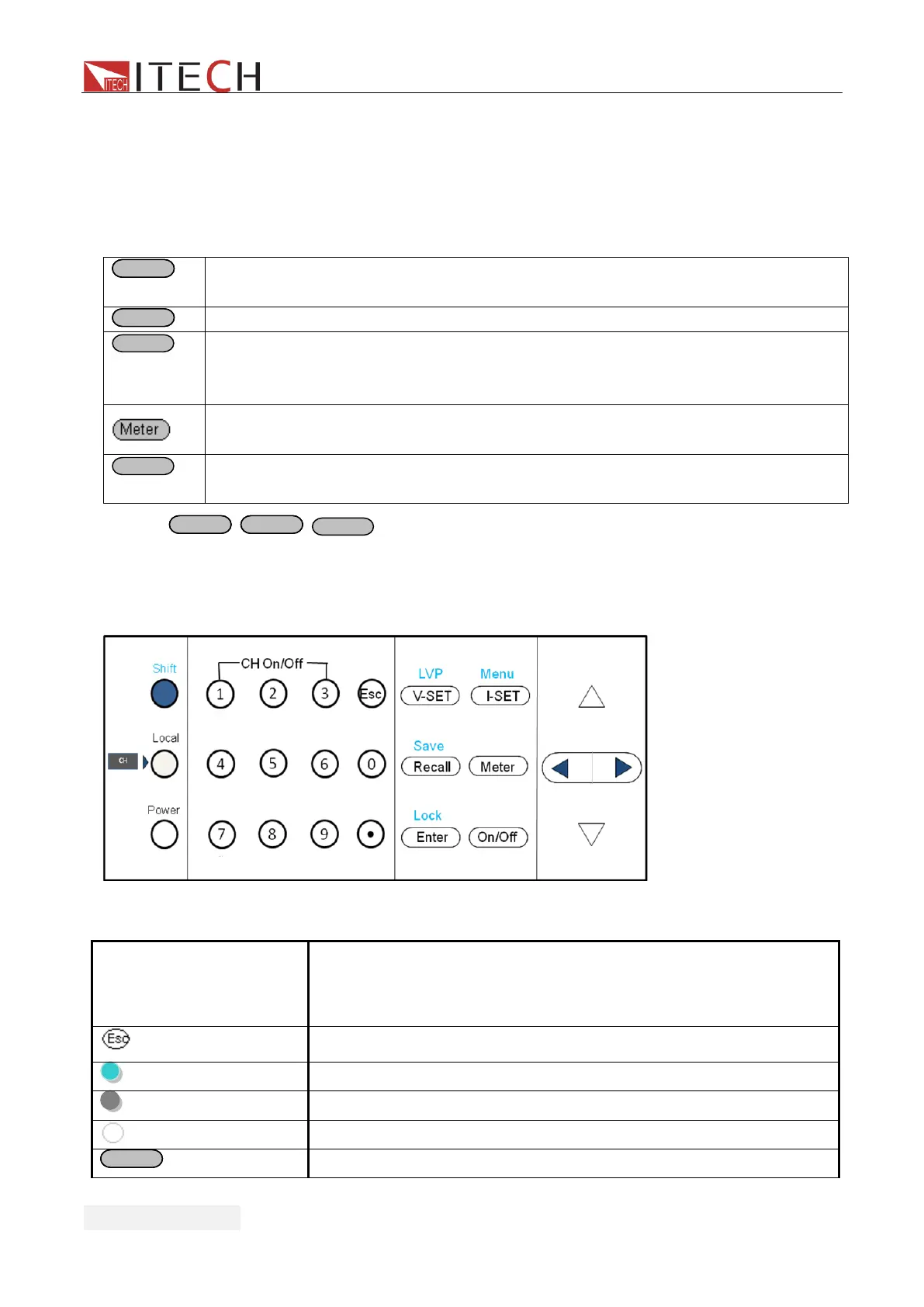
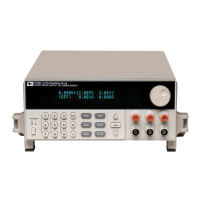
3.2 Panel Description
Picture 12
Numeric keys.Use keys 1~3 to control the output state of the 3
channels which should coordinate with Shift key.Note:In key
lock mode, this function is disabled.
Escape from the current setting or menu item.
Use to switch to local operation mode
Use to power on/off the DC source
Use to set the voltage or shift+V-set to set LVP value


 To Next Page