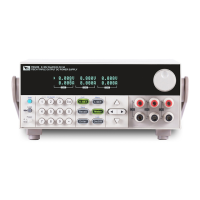
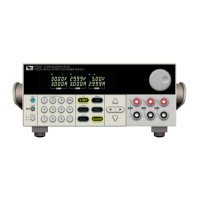
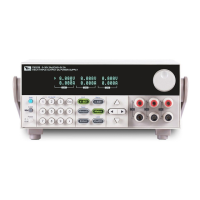
IT6302 user manual
USER MANUAL
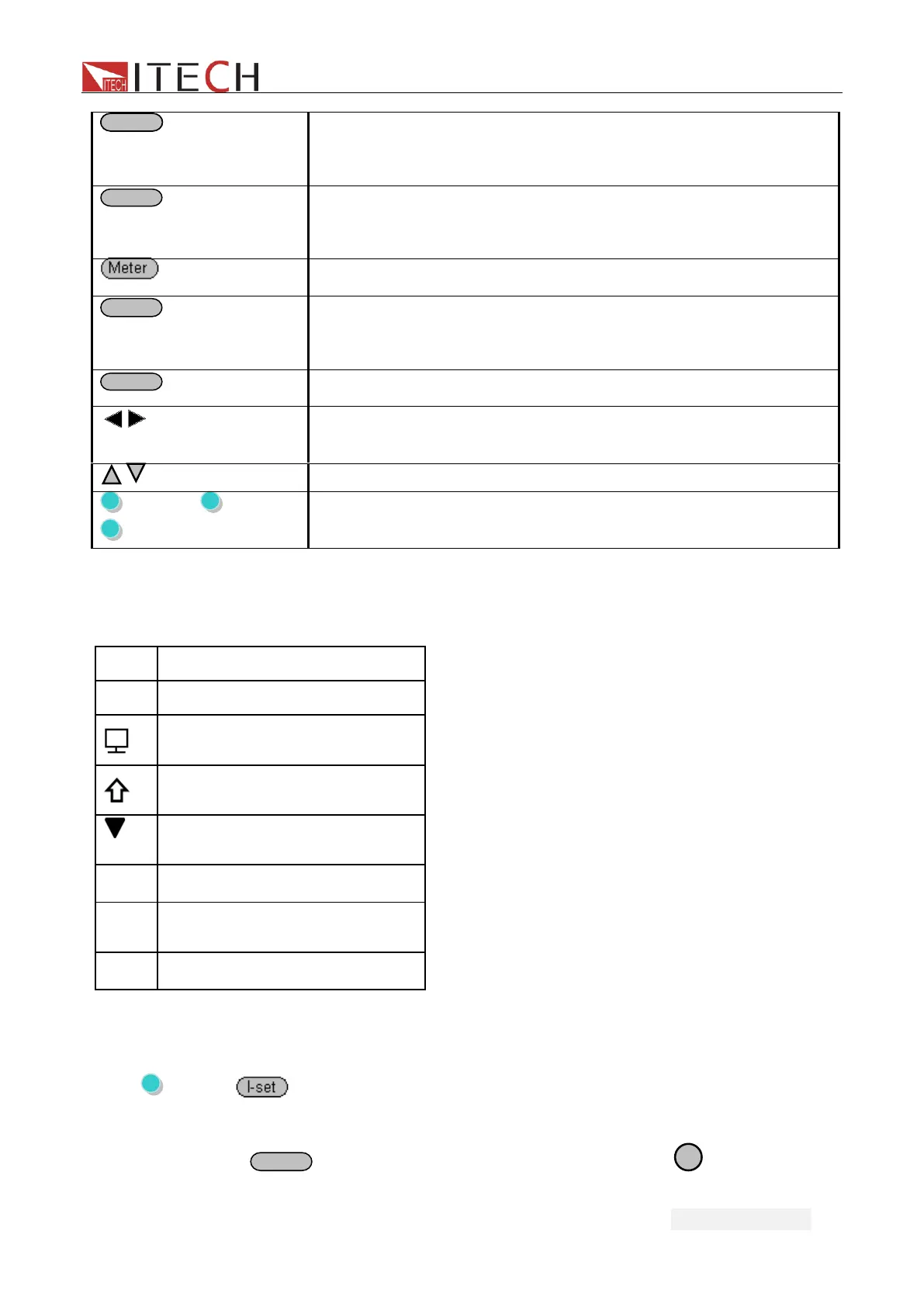
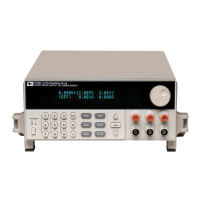
Use to set the current or shift+I-set to enter the menu
operation.
Save or recall different operating parameters in memory
locations
Switch the display between setting value and actual value
Enter button to confirm the selection or setup/Shift+Enter to
lock the front keys
Use to control the output state of each channel
Right/Left key, use to move the cursor or scroll through the
menu items
Up/down key, use to increase or decrease the setting value
(Shift)+1, (Shift)+2,
(Shift)+3
Use to turn on the output of corresponding channel no matter
in menu operation or Meter state
3.3 VFD Description
Explanation of enunciators on the display
open the remote sense
function
Indicates the shift button is
pressed
Indicates the channel
currently selected
Open serial connection mode
Open parallel connection
mode
3.4 Menu Description
Press (Shift)+ (Menu) to indicate operation mode.View the menu on the VFD,and
use the right/left key to change the setup, and up/down key to scroll through the complete
menu items. Press
to enter the selected menu function.Press


 To Next Page