Warning: The power supply provides a three-wire power cord; you should plug it
to a three cord junction box. You should also make sure the power supply is
well grounded.
Warning: The connection wire should have enough current capacity that it can
bear the max rated current/short current of the power supply and not get
too hot.
Warning: To avoid any fire or electric shock, please ensure the AC input voltage
fluctuation not exceed 10% of the working voltage range.
Note: In some situation, use the mis-configured main voltage for the instrument may
cause the main fuse blew.
Note: If the power supply is used to charge a battery, please pay attention to the
positive and negative polarity to avoid any damage.
After power up, the instrument will automatically perform a self test routine. If the power
supply doesn’t work, then refer to section 1.2.5.
1.2.3 Checkout procedure
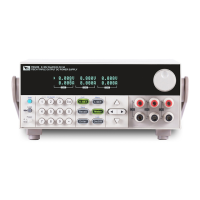
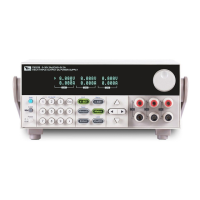
After power on, during the self test, the following should be displayed on the VFD:
Picture 3
Followed by
Picture 4
The first row displays the voltage value for the three channels; the second row displays the
current value or the output OFF state.
About 1S later, if EEPROM was damaged, then the VFD will display (about 2S):


 To Next Page