IT6302 user manual
USER MANUAL
to the previous menu.When the item keeps filickering indicates it is selected currently.
Note: Both pressing Enter and down arrow key can display the next menu. But the difference
between the two methods is as follows: press enter key can save the current setup, while
press up/down key will not change the previous setup.
3.5 Panel Operation
3.5.1 Channel Operation
When
button is lit, press (Local) key can switch between the three
channels.
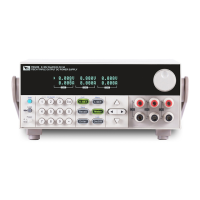
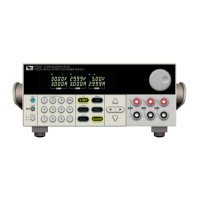
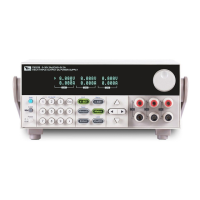
3.5.2 OUT ON/OFF
Pressing
button toggles the output state of all 3 channes of the power supply.If the
output state is ON,press it,to turn the output state to OFF.While the output state is
OFF,press
and the power supply output will turn ON.
To control channels individually,press (Shift)+
corresponding to each channel. (Shift)+
controls the output state of the first channel,
(Shift)+
controls the output state of the second channel, (Shift)+
controls the
output state of the third channel.
When the power supply is in remote mode,you can set the output state by sending SCPI
command(OUTPut: ON | OFF).The output state operation does not affect any other
parameter.
Note: The
key controls the output state of all 3 channels simultaneously.
If you want to control the output state of individual channels,use the number keys 1-3
with shift button.
3.5.3 Set Voltage
Solution 1: press (Local) to select channel, press
then enter a numerical value
followed by
,then press to move the cursor position and adjust the
voltage value using the knob. Press


 To Next Page