User Guide
ICC Module Configuration Switches
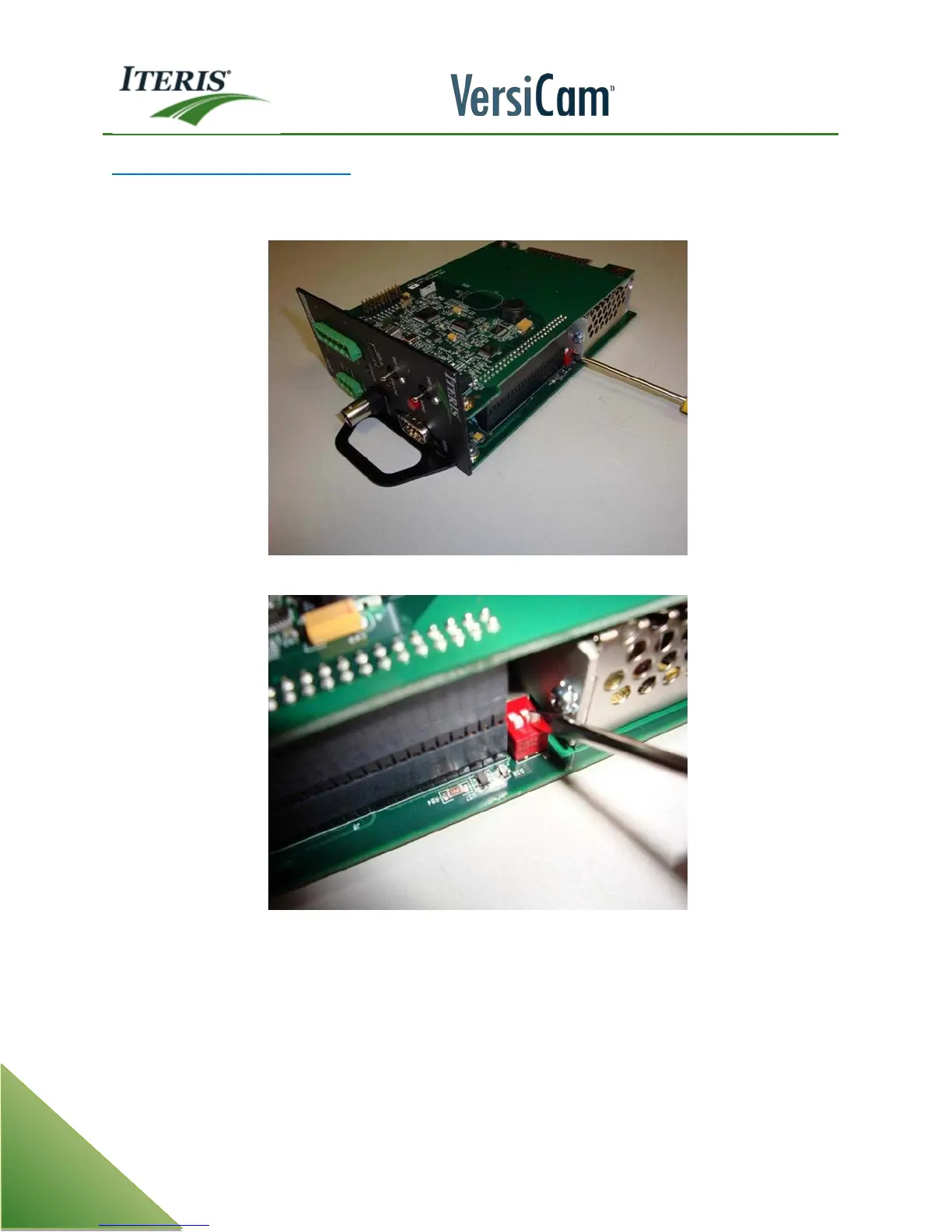
There is a set of configuration DIP switches located on the top side of the bottom board of the VersiCam ICC
module as is shown in the following pictures.
Screwdriver Pointing to the DIP Switches On VersiCam Module
Close Up of the DIP Switches Both Shown in the "ON" Position
These switches are used to configure the ICC module for use in a NEMA TS-2 type detector rack. Both of the
DIP switches should be in the (UP toward the top card edge) "ON" position for use in a TS-2 type detector
rack. For other rack types the DIP switches should remain in the (DOWN away from the top card edge) "OFF"
position. The position of these switches for operation in racks other than a NEMA TS-2 is not critical.



 To Next Page