User Guide
7. Vantage Software Upgrade (VSU)
The Vantage Software Upgrade Program upgrades the firmware on Vantage video detection devices. The
Vantage Software Upgrade Program together with Vantage firmware files allows the end user to upgrade
processors. This document describes how to install and use the Vantage Software Upgrade Program.
Minimum PC Requirements
• Pentium 400 MHz or better, 512 MB of RAM, mouse, RS232 port and 10 Megs of hard disk space.
• The VSU program needs Microsoft Net Framework 3.5 or higher to be installed prior to VSU being
installed.
• The VSU program is compatible with Windows XP, Vista and Windows 7.
Vantage Software Upgrade Program Installation Procedure
Before upgrading firmware in the Edge2 processor the Vantage Software Upgrade Tool must be installed on
your PC.
• Download the VSU program file from the Iteris Resource web page.
• Unzip the file.
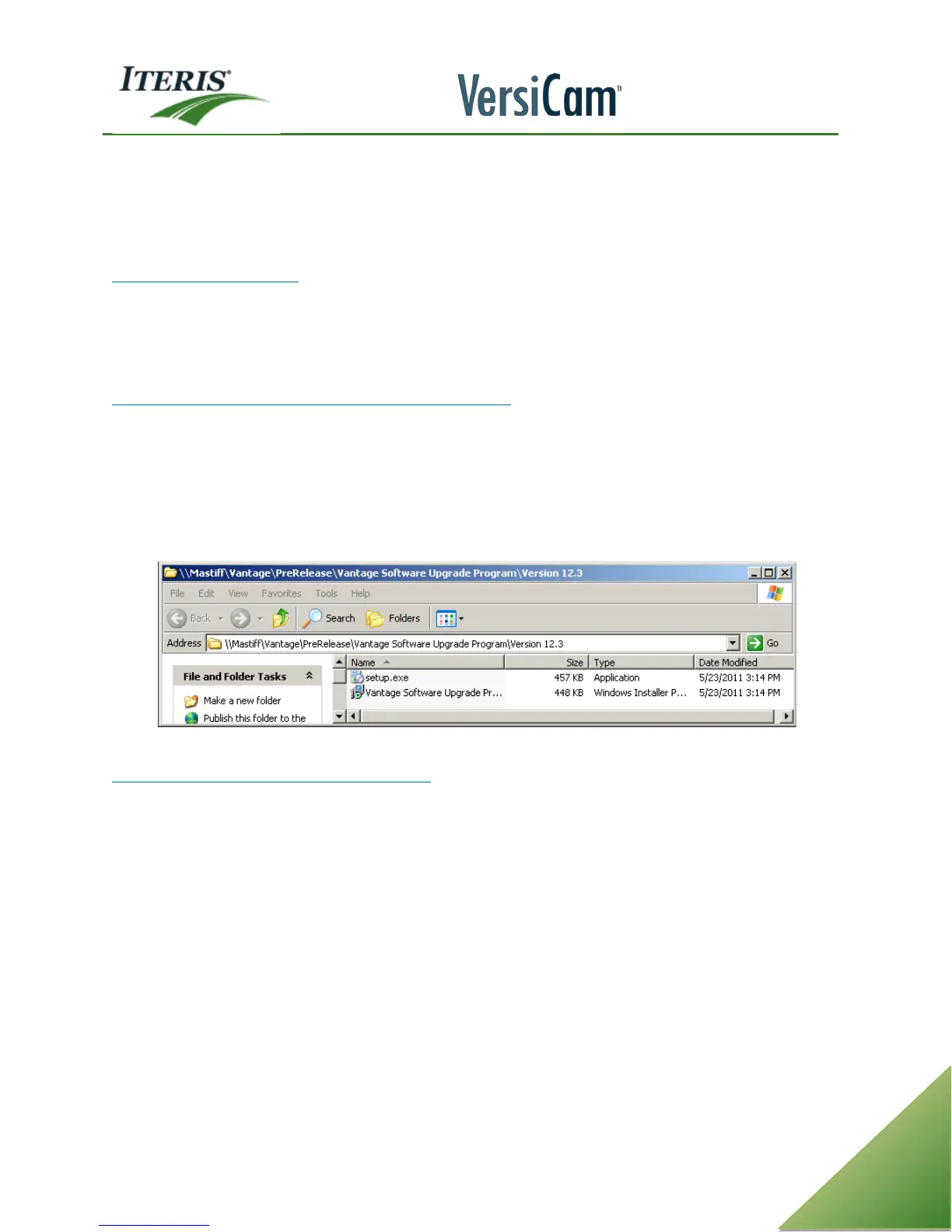
• Double click on “setup.exe” to install the 12.3 VSU base program on the computer.
• Follow the onscreen prompts to complete the installation of the software.
Vantage Software Upgrade Program 12.3 installation files
Vantage Software Upgrade Program Procedure
Note: When using Windows Vista or 7 the Vantage Software Upgrade Program must be run in the
Administrator mode.
To run program as an administrator right click the VSU icon and select properties. Under the Privilege Level
check the “Run this program as an administrator” checkbox. If the Vantage Software Base Program is not run
in the administrator mode then the configuration files will not be saved. The configuration files will be
erased.



 To Next Page