User Guide
Stage 3 (S3) - This stage indicates a possible challenging detection condition. Rather than take a chance of
detecting poorly, the zone(s) have gone to a failsafe or constant call mode. The system will display a ‘@’
above any zone is S3 mode.
5.3 Learn Mode
Learn Mode is the mode that the VersiCam camera processor uses while it is learning the zone background
and your field of view. During the "Learn Mode" the VersiCam camera processor places constant calls on the
channels associated with the zones that have changed. These zone changes would include: when zones are
first created, when zone size is changed, and when zones are physically moved. Learn Mode can also occur on
power-up or after power outages. Receiving and loading new configurations also results in learn mode.
Iteris was one of the pioneers of DZR (Dynamic Zone Reconfiguration). This means that when you make a
change to a zone, only the channel associated with that individual zone enters into a learn mode.
When a zone is in "Learn Mode", there will be an " * " next to the zone that is learning. The learn time on the
VersiCam camera processors is three minutes.
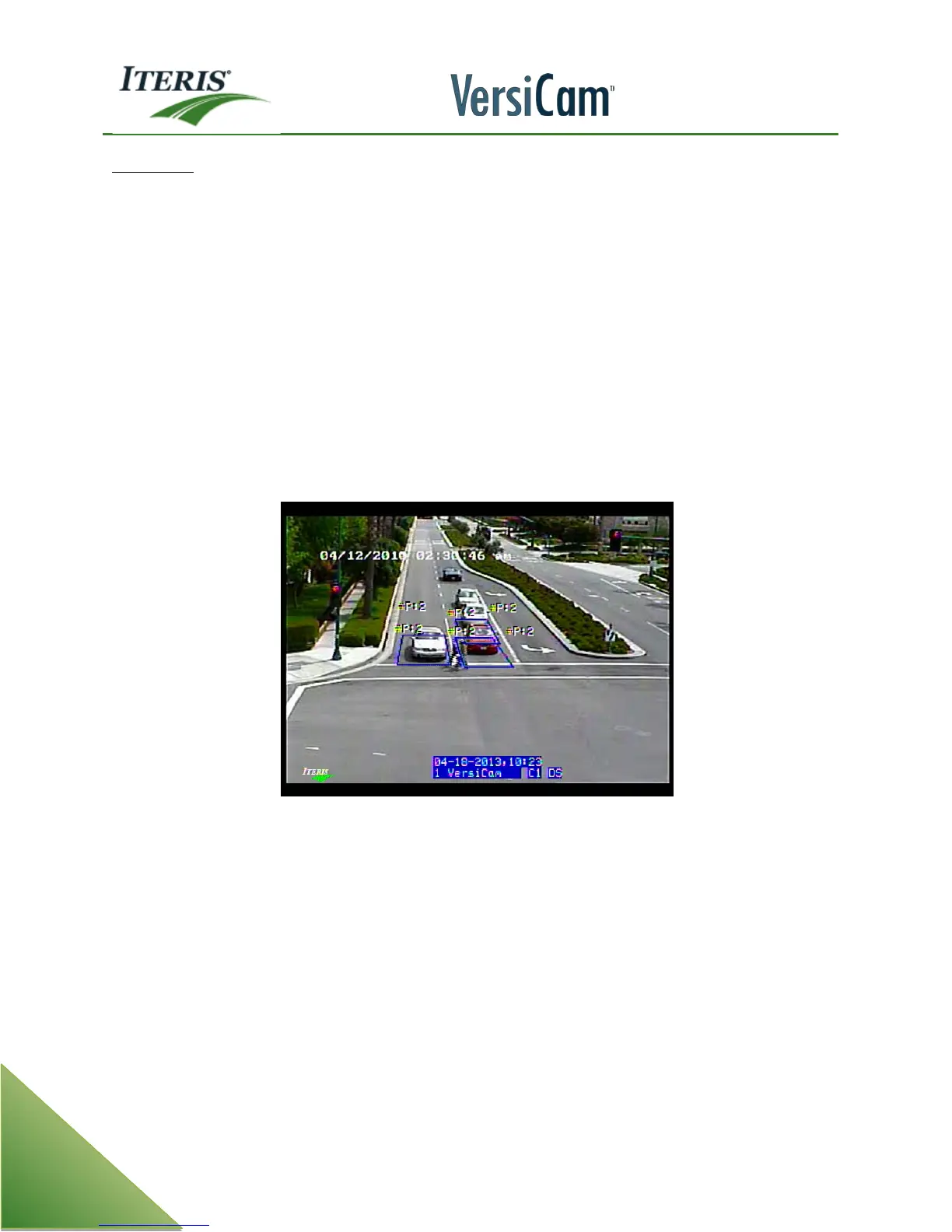
Note: Notice the zone identifiers in the picture are referenced by "Zone Type" and not "Zone
Number". This option is set in the VersiCam camera processor "Mode" menu under Mode. CN =
Count Zone, PR = Presence Zone, etc. For more information see the section on the Mode Option
Menu.
5.4 System Failsafe Modes
The VersiCam is designed to operate under the challenging conditions that are encountered in the traffic and
intersection environment.
However, if failures do occur, or when severe conditions might require it, the VersiCam design incorporates
methods to default to a failsafe mode of operation.



 To Next Page