User Guide
Glare Mode
Glare Mode was designed to help in situations where roadway glare, during certain times of the day, may
interfere or inhibit the ability to accurately detect vehicles.
"Glare Mode" must be enabled through the "Option" parameter in the "Diagnostic" (Dia) menu. Glare Mode
is turned off by default from the factory and must be enabled by the user before it will become active. See
the firmware version release notes for specific information on how to enable this feature by setting the
correct option number.
When the option is enabled, Glare Mode places a constant call for zones that are saturated by glare. When
approximately 75% of a particular zone is covered (saturated) by glare, the output channel associated with
that zone will place a constant call to the controller. After a zone is saturated by glare, it takes about three
minutes for the processor to generate a constant call condition. It also takes about three minutes to come
out of the constant call condition, once the zone is no longer saturated by glare. The zone will revert to
normal operation once the glare condition has diminished enough to resume normal operation again.
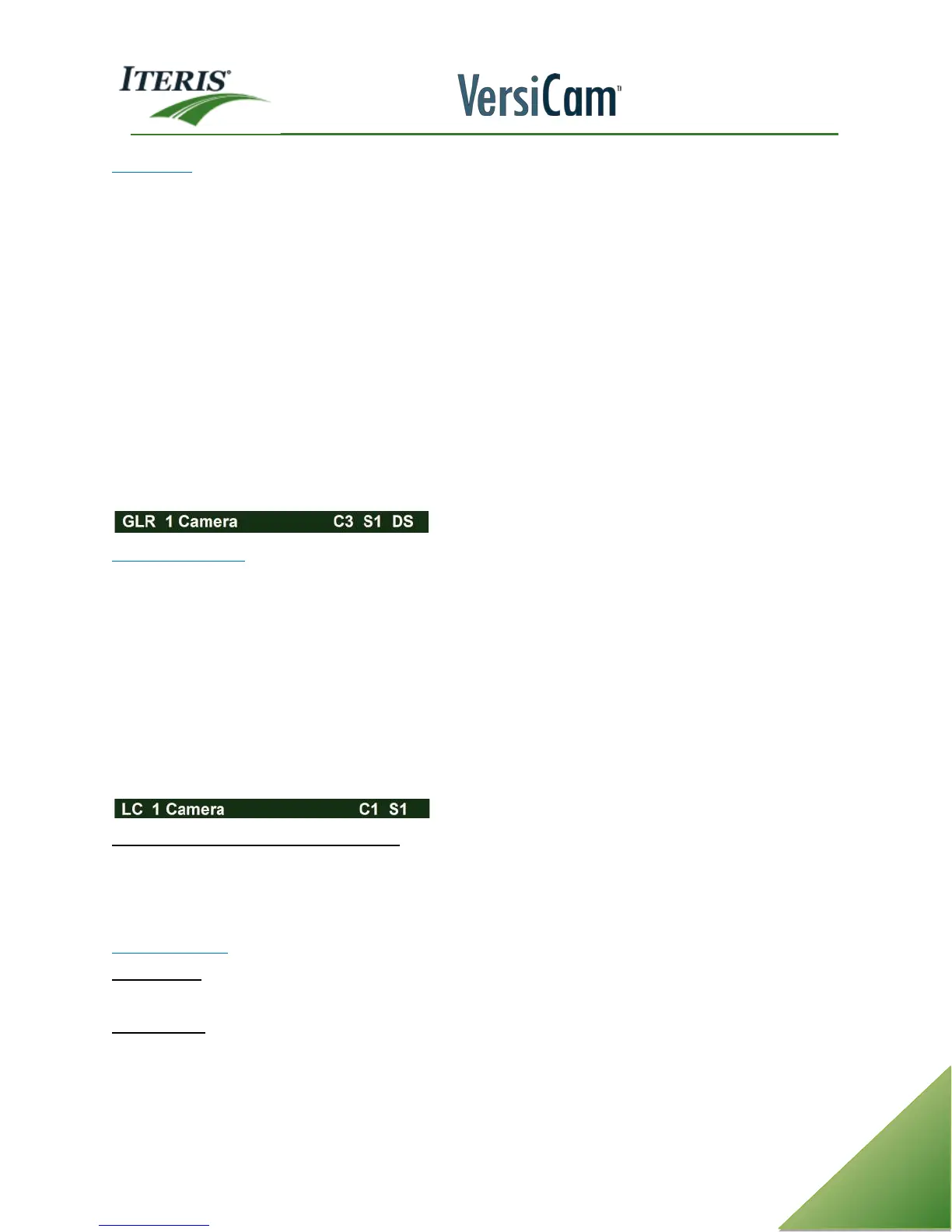
When the system is in "Glare" mode an indicator is visible in the left potion of the camera label.
Low Contrast Mode
Low Contrast (LC) mode is a failsafe mode that the VersiCam processor will default to during low contrast
conditions that could adversely affect the system’s ability to adequately detect vehicles. Low Contrast (LC)
operates independently of the three stage detection system (S1 - S3). When a camera view is in LC mode, all
channels associated with that camera view will place constant vehicle calls. The corners of all the zones will
also be illuminated.
Low contrast conditions would include fog and could also include certain contrast limiting conditions like
snow and rain. These are just a few of the more common triggers for LC mode.
When an VerisCam camera processor camera view is in LC mode, there is an indicator of "LC" shown in the
camera label.
Low Contrast Mode With Multiple Cameras
If one of the cameras, on a two video input Edge2 Processor enters into Low Contrast (LC) mode, the other
camera will also enter into a failsafe LC mode and will also place constant calls on all assigned output
channels. Realize that the other camera in Failsafe mode will not show "LC" in the camera label.
Other Conditions
Loss of Video - If video and video sync. is lost, the associated camera and all of its assigned zones will place
constant vehicle calls.
Loss of Power - If power is lost to the VersiCam camera processor unit, it will place constant vehicle calls on
all channels.



 To Next Page