User Guide
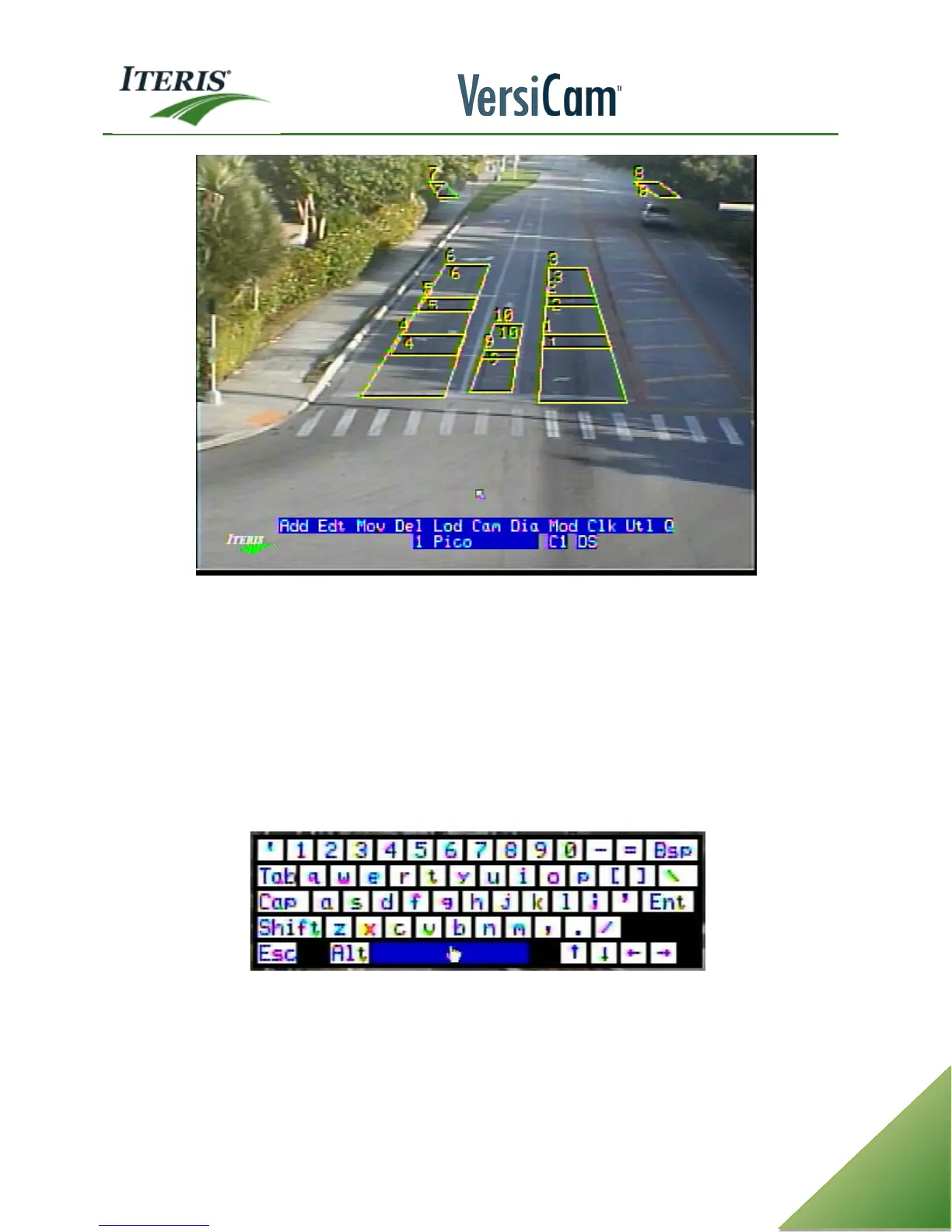
Menu Screen on VersiCam Processor
Note: The user is presented with an on screen keyboard whenever any text editing field is available.
The fields that can be edited with the onscreen keyboard are zone label, camera label, config label,
camera cycle and unit id. Use the mouse’s middle click button to bring up the onscreen keyboard. To
get out of the onscreen keyboard left click the “Ent” key or middle click. The on screen keyboard
allows or restricts characters as needed for the field to be edited. For example spaces are not allowed
in the unit id field. When the onscreen keyboard is active, using the right click button or “Esc” key will
cancel any changes.



 To Next Page