User Guide
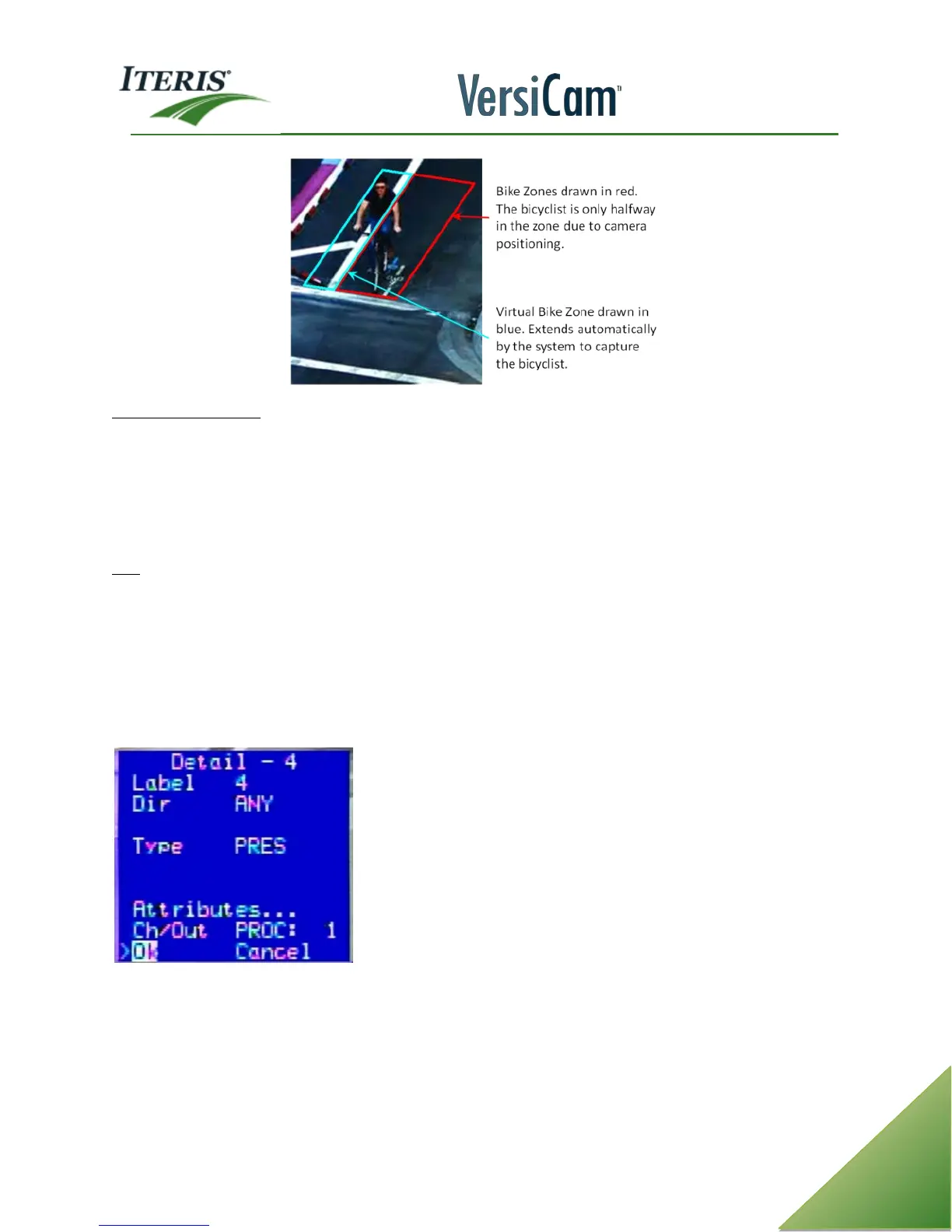
Channel Out (Ch/Out) - This function allows the user to assign an output channel to the zone. The output
channel will place a call to the controller depending upon the position of the ICC Module in the detector rack.
Where you physically plug the ICC Module into the detector rack, is where it will place the vehicle calls.
Multiple zones can be assigned to a output channel.
Channel Designators:
PROC: 1, PROC: 2
Exit - Click on this option to exit out of the Add menu and return to the main VersiCam menu bar.
4.4 Edit Menu
The "Edit" option on the VersiCam menu brings up all the zone parameters for a specified zone. Click on
"Edit" from the VersiCam menu bar, a screen prompt appears saying, "Select Zone". Move the cursor
somewhere inside of the zone that you want to view or to change the zone detail parameters, and left click
the mouse button. The same screen that you saw when you originally created the zone will appear in the
lower left corner of the screen.
Now, you will be able to view or edit all the parameters for the selected zone. This option gives the user a
convenient way to view existing zone parameters or to make changes to zone settings quickly and easily at
any time. Move the mouse cursor to the desired option in the Detail menu and make the desired changes.
When you are finished click the Exit option to return to the VersiCam main menu bar.



 To Next Page