Visit
dashcamtalk.com for the latest firmware and owners forum.
Operation
of the product r P A S S g BLACK
1.
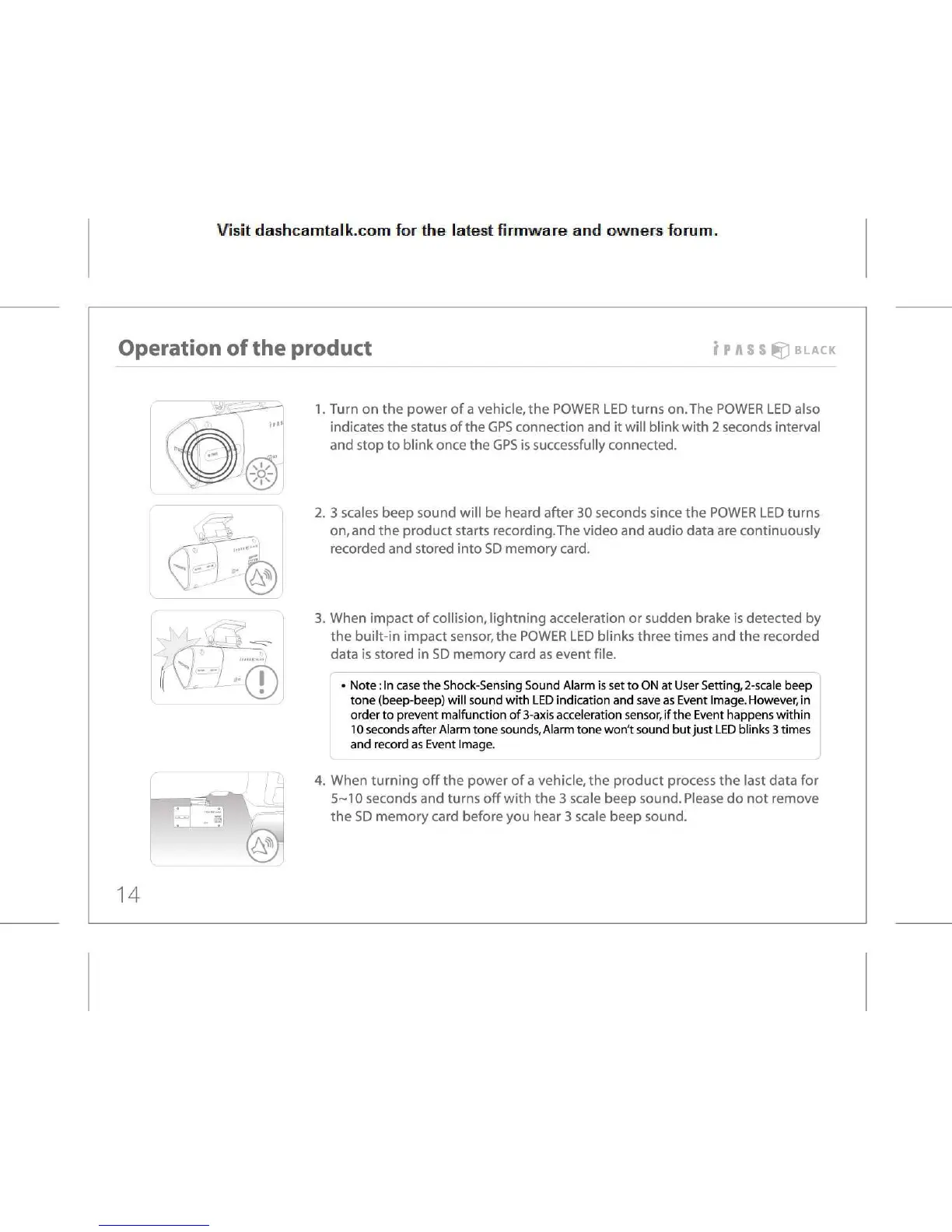
Turn on the power of a vehicle, the POWER LED turns on.The POWER LED also
indicates
the status of the GPS connection and it will blink with 2 seconds interval
and
stop to blink once the GPS is successfully connected.
3
scales beep sound will be heard after 30 seconds since the POWER LED turns
on,
and the product starts recording.The video and audio data are continuously
recorded
and stored into SD memory card.
When
impact of collision, lightning acceleration or sudden brake is detected by
the
built-in impact sensor, the POWER LED blinks three times and the recorded
data
is stored in SD memory card as event file.
Note:
In case the Shock-Sensing Sound Alarm is set to ON at User Setting, 2-scale beep
tone
(beep-beep) will sound with LED indication and save as Event Image. However, in
order
to prevent malfunction of 3-axis acceleration sensor, if the Event happens within
10
seconds after Alarm tone sounds, Alarm tone won't sound but just LED blinks 3 times
and
record as Event Image.
4.
When turning off the power of a vehicle, the product process the last data for
5-10
seconds and turns off with the 3 scale beep sound. Please do not remove
the
SD memory card before you hear 3 scale beep sound.
14



 To Next Page